- Главная
- Разное
- Образование
- Спорт
- Естествознание
- Природоведение
- Религиоведение
- Французский язык
- Черчение
- Английский язык
- Астрономия
- Алгебра
- Биология
- География
- Геометрия
- Детские презентации
- Информатика
- История
- Литература
- Математика
- Музыка
- МХК
- Немецкий язык
- ОБЖ
- Обществознание
- Окружающий мир
- Педагогика
- Русский язык
- Технология
- Физика
- Философия
- Химия
- Шаблоны, фоны, картинки для презентаций
- Экология
- Экономика
Презентация, доклад на тему Системные сочетания клавиш в Windows
Содержание
- 1. Системные сочетания клавиш в Windows
- 2. System shortcuts in WindowsF1: HelpCTRL + ESC:
- 3. Keyboard shortcuts in Windows programsCTRL + C:
- 4. The combination of mouse clicks and keyboard
- 5. Common commands only from the keyboardF1: Launches
- 6. Keyboard shortcut CTRL + SHIFT + ESC:
- 7. The combination of keys CTRL + TAB:
- 8. Combinations of shell objects, shared folders from
- 9. Copy a filePress and hold down the CTRL key while dragging the file to another folder.
- 10. Create ShortcutPress and hold down CTRL +
- 11. Managing Public Folders and labelsF4: Selects the
- 12. Management Explorer directory treeNumeric Keypad *: Expands
- 13. Control propertiesThe combination of keys CTRL +
- 14. Keyboard shortcuts for accessibilityPress SHIFT five times:
- 15. Key Microsoft Natural KeyboardLogo Windows: Click Start,Logo
- 16. Emblem CTRL + Windows + F: Find
- 17. Keyboard Microsoft Natural Keyboard with IntelliType software
- 18. Shortcuts for dialog boxesTAB: Moves to the
System shortcuts in WindowsF1: HelpCTRL + ESC: Open the Start menuALT + TAB: Switch between programsALT + F4: the closure of the programSHIFT + DELETE: Deletes an item can not be restoredLogo Windows + L: The

Слайд 2System shortcuts in Windows
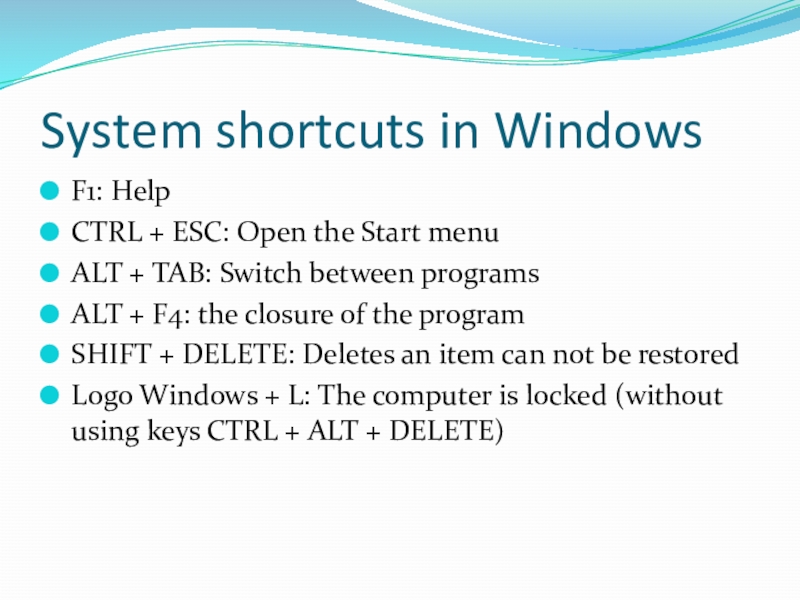
F1: Help
CTRL + ESC: Open the Start menu
ALT
+ TAB: Switch between programs
ALT + F4: the closure of the program
SHIFT + DELETE: Deletes an item can not be restored
Logo Windows + L: The computer is locked (without using keys CTRL + ALT + DELETE)
ALT + F4: the closure of the program
SHIFT + DELETE: Deletes an item can not be restored
Logo Windows + L: The computer is locked (without using keys CTRL + ALT + DELETE)
Слайд 3Keyboard shortcuts in Windows programs
CTRL + C: Copy
CTRL + X: Cut
CTRL
+ V: Paste
Keyboard shortcut CTRL + Z: Cancel
CTRL + B: Bold
CTRL + U: Underline
CTRL + I: Italic
Keyboard shortcut CTRL + Z: Cancel
CTRL + B: Bold
CTRL + U: Underline
CTRL + I: Italic
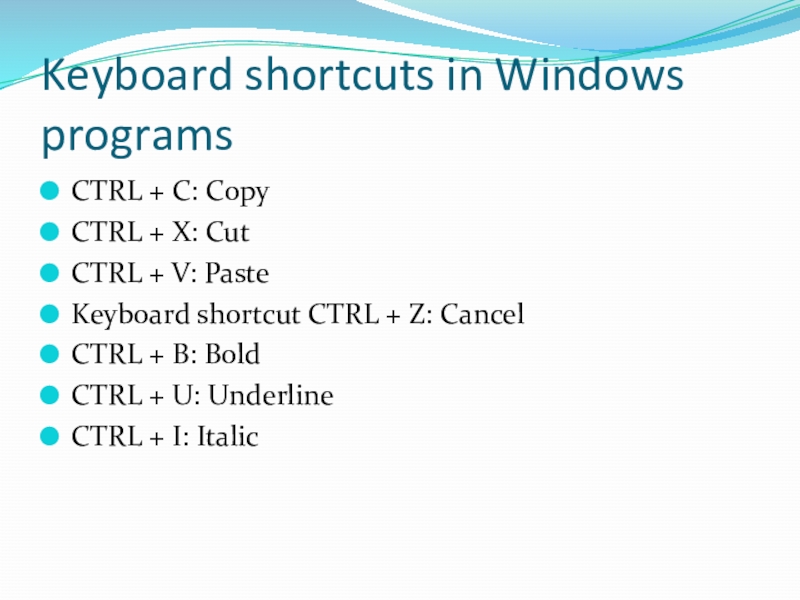
Слайд 4The combination of mouse clicks and keyboard modifier for shell objects
SHIFT
+ right click: Displays a shortcut menu containing alternative commands
SHIFT + double click: runs alternative default command (the second item on the menu)
ALT + double click: Displays properties
SHIFT + DELETE: Deletes an item without placing to cart
SHIFT + double click: runs alternative default command (the second item on the menu)
ALT + double click: Displays properties
SHIFT + DELETE: Deletes an item without placing to cart
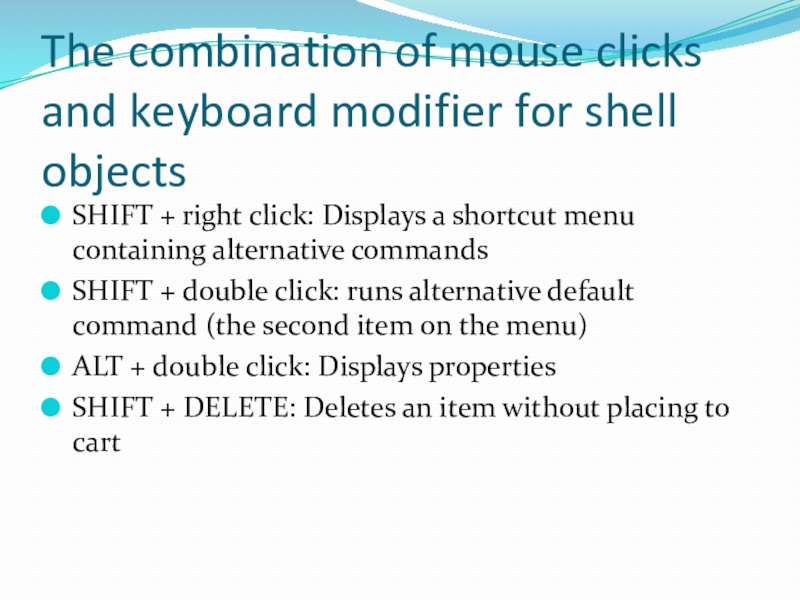
Слайд 5Common commands only from the keyboard
F1: Launches Windows Help
F10: Activate the
menu bar
SHIFT + F10 Display the shortcut menu for the selected item (this is the same as right-clicking an object
Keyboard shortcut CTRL + ESC: Open the menu "Start" (use the arrow keys to select an item)
Keyboard shortcut CTRL + ESC or ESC: select the Start button (press TAB, to select the taskbar, or press SHIFT + F10 for a context menu)
SHIFT + F10 Display the shortcut menu for the selected item (this is the same as right-clicking an object
Keyboard shortcut CTRL + ESC: Open the menu "Start" (use the arrow keys to select an item)
Keyboard shortcut CTRL + ESC or ESC: select the Start button (press TAB, to select the taskbar, or press SHIFT + F10 for a context menu)
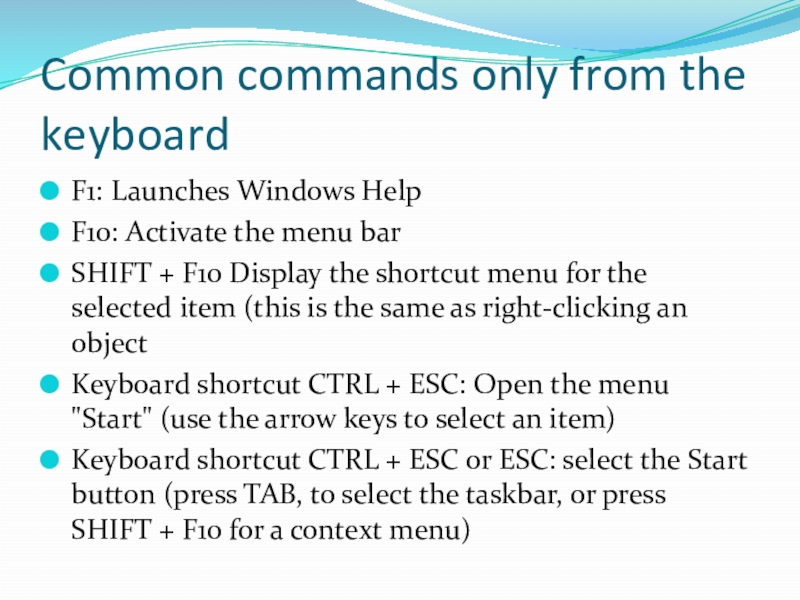
Слайд 6Keyboard shortcut CTRL + SHIFT + ESC: Opening Task Manager
ALT +
DOWN ARROW: Opens a drop-down list
ALT + TAB: Switch between running programs (hold down the ALT key and press TAB to view the task-switching window)
SHIFT: Press and hold down the SHIFT key when you insert the CD-ROM to bypass the auto-start feature
ALT + SPACE: Displays the System menu of the main window (the menu system, you can restore, move, resize, minimize, maximize or close the window)
ALT + - (ALT + hyphen): Displays system MDI child window (MDI) (from the System menu MDI child window, you can restore, move, resize, minimize, maximize, or close the child window)
ALT + TAB: Switch between running programs (hold down the ALT key and press TAB to view the task-switching window)
SHIFT: Press and hold down the SHIFT key when you insert the CD-ROM to bypass the auto-start feature
ALT + SPACE: Displays the System menu of the main window (the menu system, you can restore, move, resize, minimize, maximize or close the window)
ALT + - (ALT + hyphen): Displays system MDI child window (MDI) (from the System menu MDI child window, you can restore, move, resize, minimize, maximize, or close the child window)
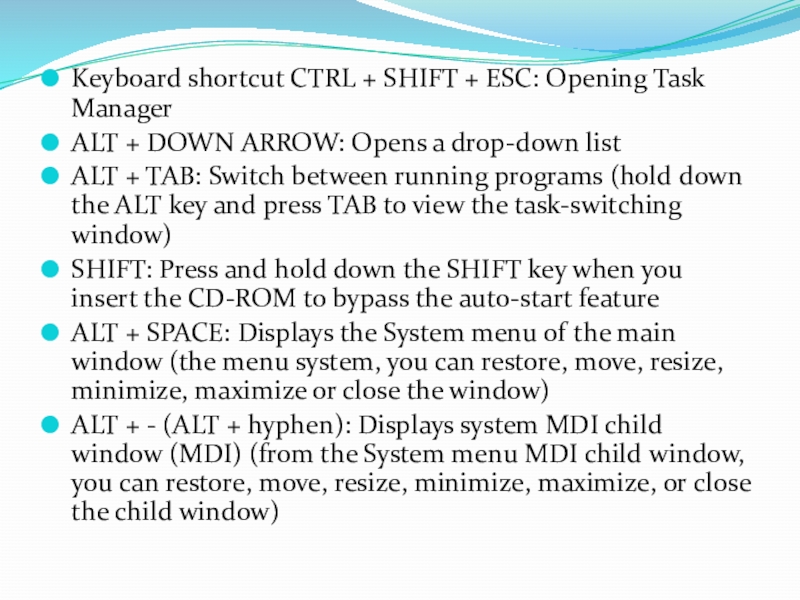
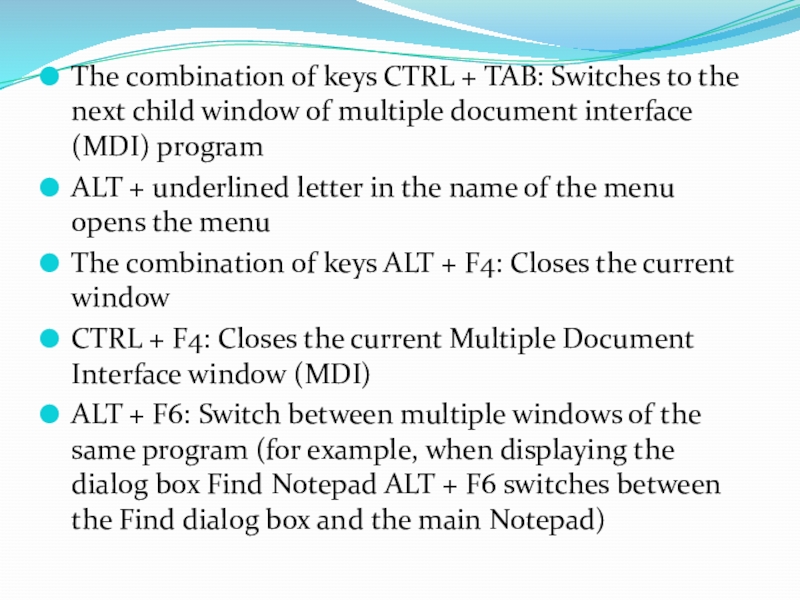
Слайд 7The combination of keys CTRL + TAB: Switches to the next
child window of multiple document interface (MDI) program
ALT + underlined letter in the name of the menu opens the menu
The combination of keys ALT + F4: Closes the current window
CTRL + F4: Closes the current Multiple Document Interface window (MDI)
ALT + F6: Switch between multiple windows of the same program (for example, when displaying the dialog box Find Notepad ALT + F6 switches between the Find dialog box and the main Notepad)
ALT + underlined letter in the name of the menu opens the menu
The combination of keys ALT + F4: Closes the current window
CTRL + F4: Closes the current Multiple Document Interface window (MDI)
ALT + F6: Switch between multiple windows of the same program (for example, when displaying the dialog box Find Notepad ALT + F6 switches between the Find dialog box and the main Notepad)
Слайд 8Combinations of shell objects, shared folders from Explorer
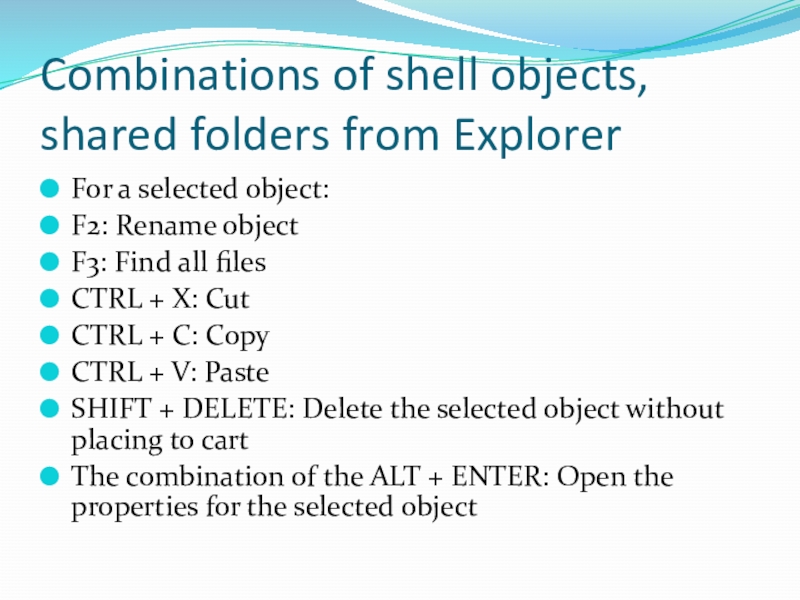
For a selected object:
F2:
Rename object
F3: Find all files
CTRL + X: Cut
CTRL + C: Copy
CTRL + V: Paste
SHIFT + DELETE: Delete the selected object without placing to cart
The combination of the ALT + ENTER: Open the properties for the selected object
F3: Find all files
CTRL + X: Cut
CTRL + C: Copy
CTRL + V: Paste
SHIFT + DELETE: Delete the selected object without placing to cart
The combination of the ALT + ENTER: Open the properties for the selected object
Слайд 10Create Shortcut
Press and hold down CTRL + SHIFT as you drag
the file to your desktop or into a folder.
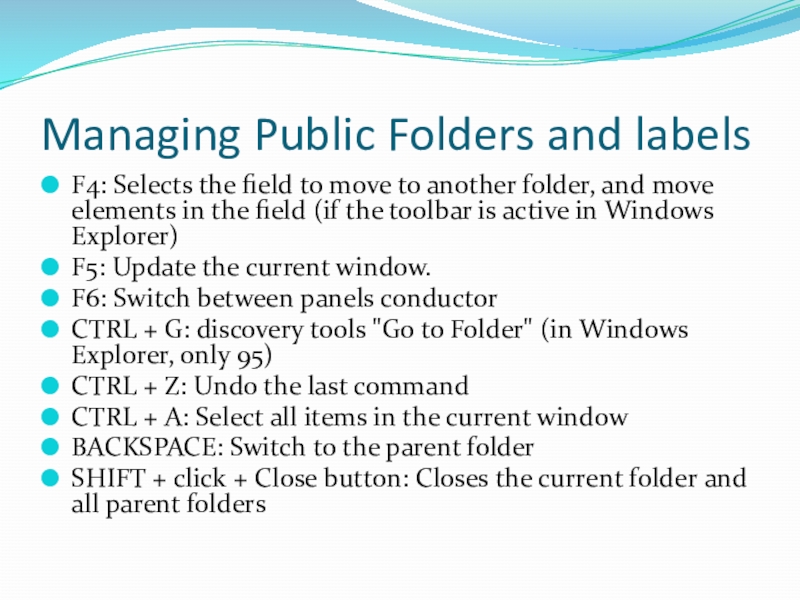
Слайд 11Managing Public Folders and labels
F4: Selects the field to move to
another folder, and move elements in the field (if the toolbar is active in Windows Explorer)
F5: Update the current window.
F6: Switch between panels conductor
CTRL + G: discovery tools "Go to Folder" (in Windows Explorer, only 95)
CTRL + Z: Undo the last command
CTRL + A: Select all items in the current window
BACKSPACE: Switch to the parent folder
SHIFT + click + Close button: Closes the current folder and all parent folders
F5: Update the current window.
F6: Switch between panels conductor
CTRL + G: discovery tools "Go to Folder" (in Windows Explorer, only 95)
CTRL + Z: Undo the last command
CTRL + A: Select all items in the current window
BACKSPACE: Switch to the parent folder
SHIFT + click + Close button: Closes the current folder and all parent folders
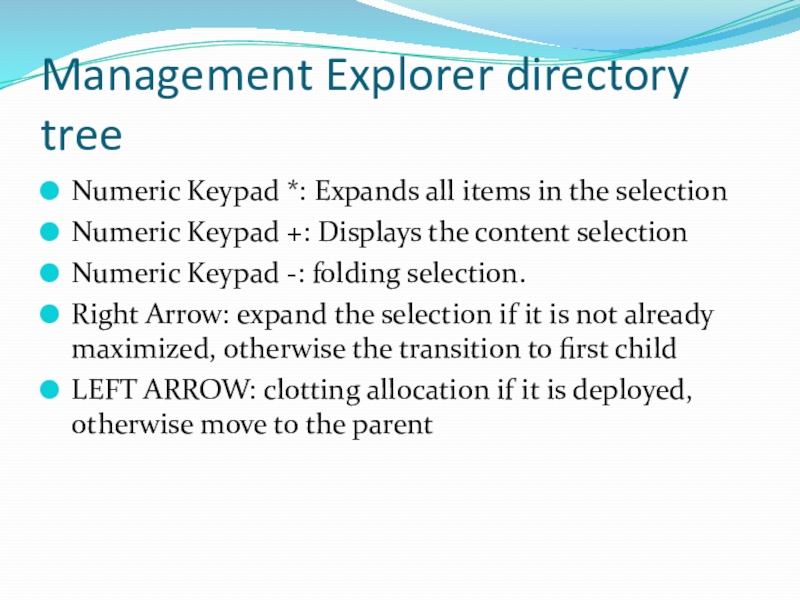
Слайд 12Management Explorer directory tree
Numeric Keypad *: Expands all items in the
selection
Numeric Keypad +: Displays the content selection
Numeric Keypad -: folding selection.
Right Arrow: expand the selection if it is not already maximized, otherwise the transition to first child
LEFT ARROW: clotting allocation if it is deployed, otherwise move to the parent
Numeric Keypad +: Displays the content selection
Numeric Keypad -: folding selection.
Right Arrow: expand the selection if it is not already maximized, otherwise the transition to first child
LEFT ARROW: clotting allocation if it is deployed, otherwise move to the parent
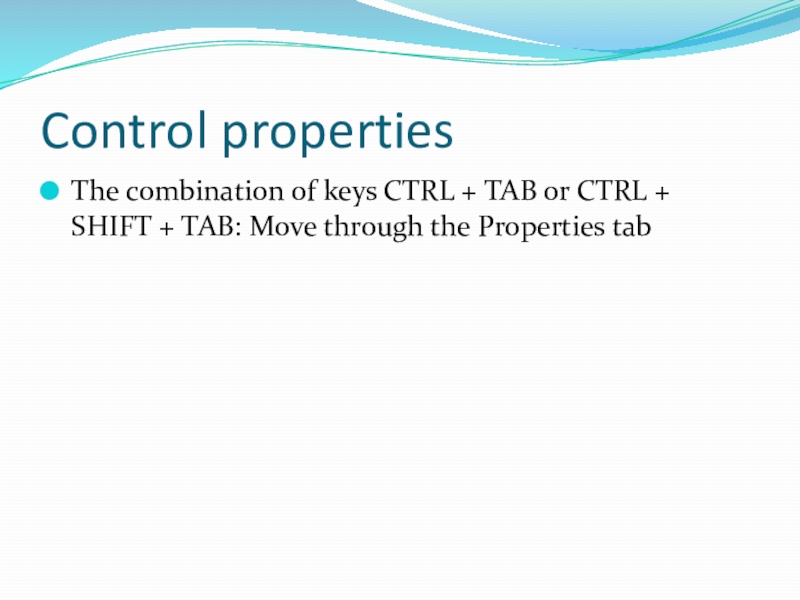
Слайд 13Control properties
The combination of keys CTRL + TAB or CTRL +
SHIFT + TAB: Move through the Properties tab
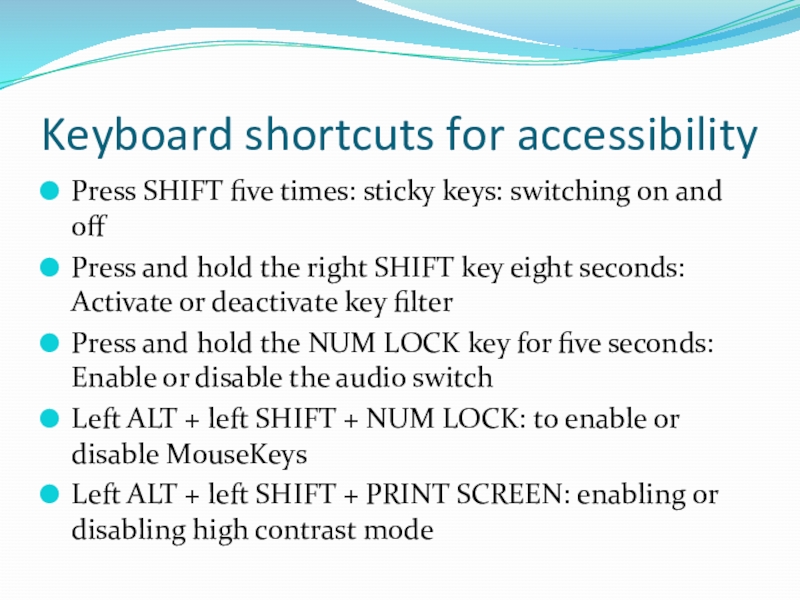
Слайд 14Keyboard shortcuts for accessibility
Press SHIFT five times: sticky keys: switching on
and off
Press and hold the right SHIFT key eight seconds: Activate or deactivate key filter
Press and hold the NUM LOCK key for five seconds: Enable or disable the audio switch
Left ALT + left SHIFT + NUM LOCK: to enable or disable MouseKeys
Left ALT + left SHIFT + PRINT SCREEN: enabling or disabling high contrast mode
Press and hold the right SHIFT key eight seconds: Activate or deactivate key filter
Press and hold the NUM LOCK key for five seconds: Enable or disable the audio switch
Left ALT + left SHIFT + NUM LOCK: to enable or disable MouseKeys
Left ALT + left SHIFT + PRINT SCREEN: enabling or disabling high contrast mode
Слайд 15Key Microsoft Natural Keyboard
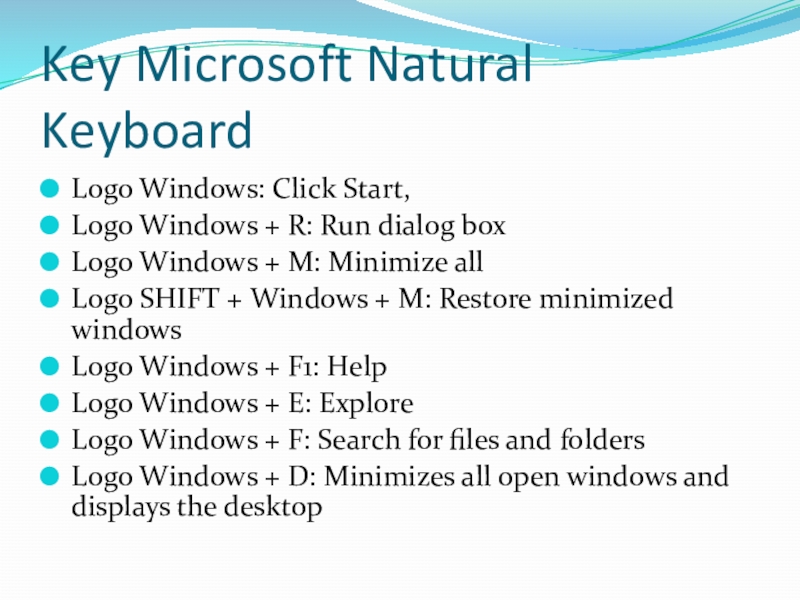
Logo Windows: Click Start,
Logo Windows + R: Run
dialog box
Logo Windows + M: Minimize all
Logo SHIFT + Windows + M: Restore minimized windows
Logo Windows + F1: Help
Logo Windows + E: Explore
Logo Windows + F: Search for files and folders
Logo Windows + D: Minimizes all open windows and displays the desktop
Logo Windows + M: Minimize all
Logo SHIFT + Windows + M: Restore minimized windows
Logo Windows + F1: Help
Logo Windows + E: Explore
Logo Windows + F: Search for files and folders
Logo Windows + D: Minimizes all open windows and displays the desktop
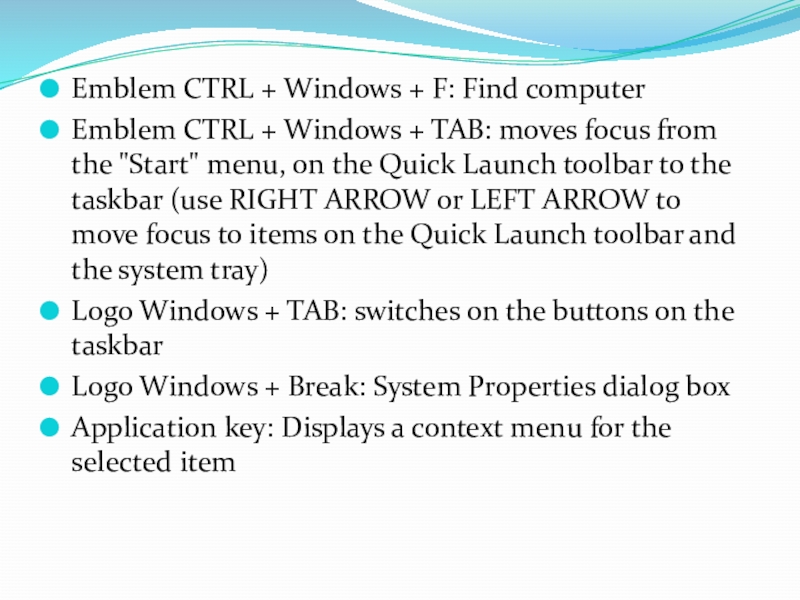
Слайд 16Emblem CTRL + Windows + F: Find computer
Emblem CTRL + Windows
+ TAB: moves focus from the "Start" menu, on the Quick Launch toolbar to the taskbar (use RIGHT ARROW or LEFT ARROW to move focus to items on the Quick Launch toolbar and the system tray)
Logo Windows + TAB: switches on the buttons on the taskbar
Logo Windows + Break: System Properties dialog box
Application key: Displays a context menu for the selected item
Logo Windows + TAB: switches on the buttons on the taskbar
Logo Windows + Break: System Properties dialog box
Application key: Displays a context menu for the selected item
Слайд 17Keyboard Microsoft Natural Keyboard with IntelliType software installed
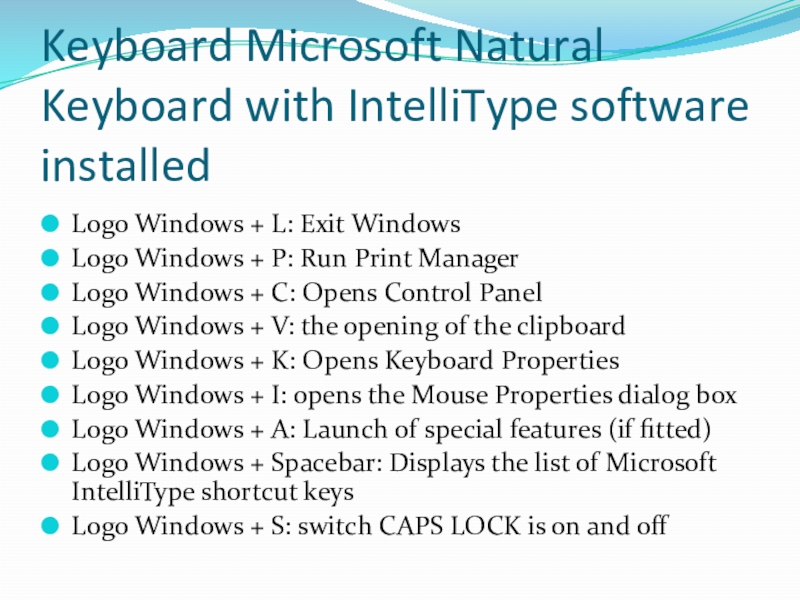
Logo Windows + L:
Exit Windows
Logo Windows + P: Run Print Manager
Logo Windows + C: Opens Control Panel
Logo Windows + V: the opening of the clipboard
Logo Windows + K: Opens Keyboard Properties
Logo Windows + I: opens the Mouse Properties dialog box
Logo Windows + A: Launch of special features (if fitted)
Logo Windows + Spacebar: Displays the list of Microsoft IntelliType shortcut keys
Logo Windows + S: switch CAPS LOCK is on and off
Logo Windows + P: Run Print Manager
Logo Windows + C: Opens Control Panel
Logo Windows + V: the opening of the clipboard
Logo Windows + K: Opens Keyboard Properties
Logo Windows + I: opens the Mouse Properties dialog box
Logo Windows + A: Launch of special features (if fitted)
Logo Windows + Spacebar: Displays the list of Microsoft IntelliType shortcut keys
Logo Windows + S: switch CAPS LOCK is on and off
Слайд 18Shortcuts for dialog boxes
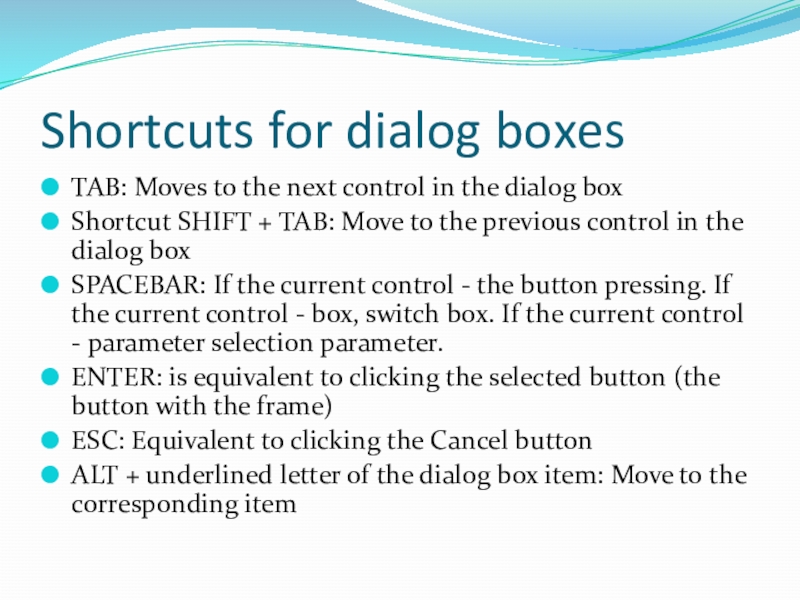
TAB: Moves to the next control in the
dialog box
Shortcut SHIFT + TAB: Move to the previous control in the dialog box
SPACEBAR: If the current control - the button pressing. If the current control - box, switch box. If the current control - parameter selection parameter.
ENTER: is equivalent to clicking the selected button (the button with the frame)
ESC: Equivalent to clicking the Cancel button
ALT + underlined letter of the dialog box item: Move to the corresponding item
Shortcut SHIFT + TAB: Move to the previous control in the dialog box
SPACEBAR: If the current control - the button pressing. If the current control - box, switch box. If the current control - parameter selection parameter.
ENTER: is equivalent to clicking the selected button (the button with the frame)
ESC: Equivalent to clicking the Cancel button
ALT + underlined letter of the dialog box item: Move to the corresponding item