- Главная
- Разное
- Образование
- Спорт
- Естествознание
- Природоведение
- Религиоведение
- Французский язык
- Черчение
- Английский язык
- Астрономия
- Алгебра
- Биология
- География
- Геометрия
- Детские презентации
- Информатика
- История
- Литература
- Математика
- Музыка
- МХК
- Немецкий язык
- ОБЖ
- Обществознание
- Окружающий мир
- Педагогика
- Русский язык
- Технология
- Физика
- Философия
- Химия
- Шаблоны, фоны, картинки для презентаций
- Экология
- Экономика
Презентация, доклад по теме Типы компьютеров
Содержание
- 1. Презентация по теме Типы компьютеров
- 2. Purpose of the lesson:study the main types
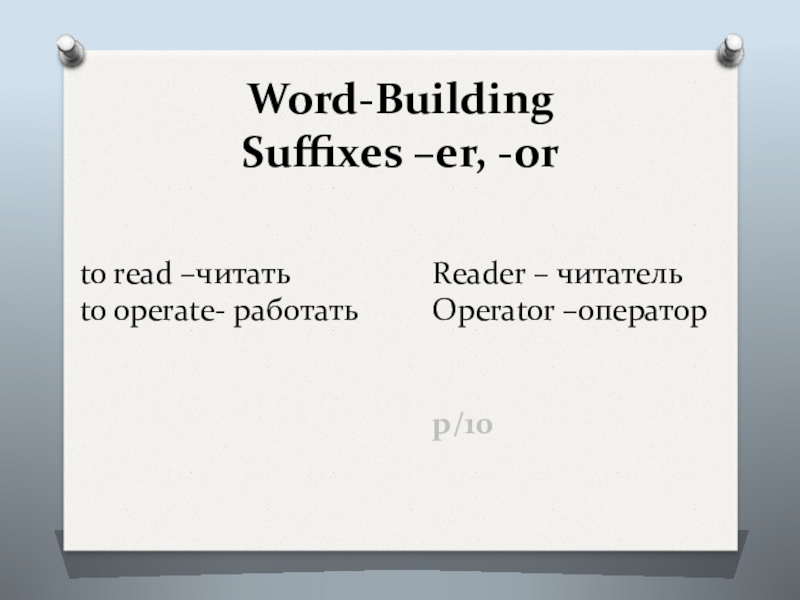
- 3. Word-Building Suffixes –er, -or
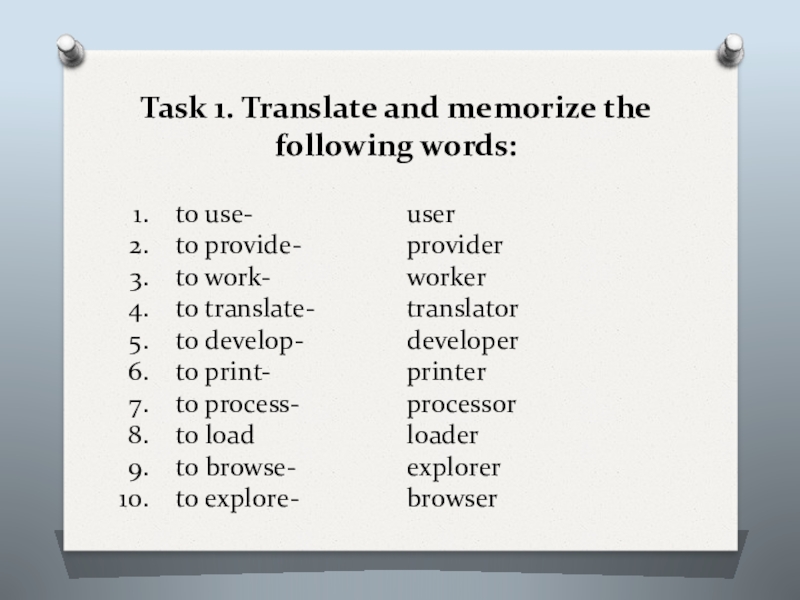
- 4. Task 1. Translate and memorize the following words:
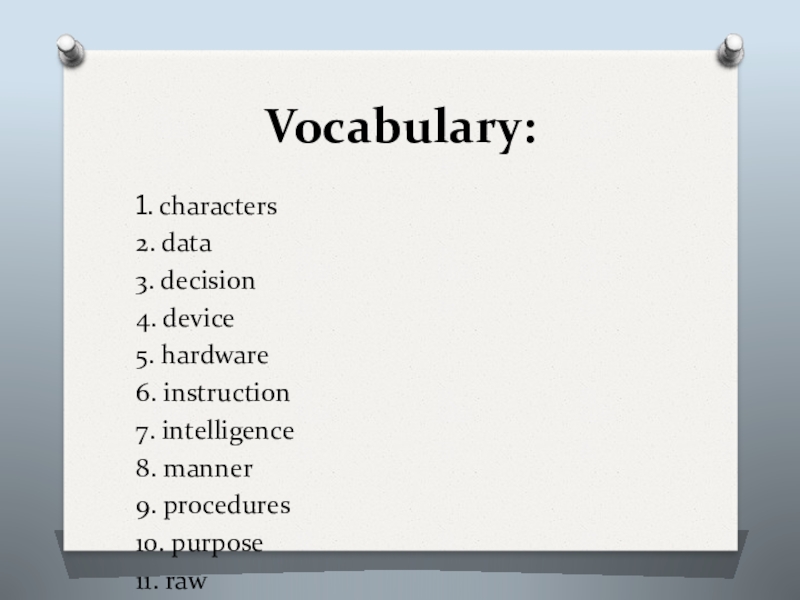
- 5. Vocabulary:1. characters2. data 3. decision 4. device
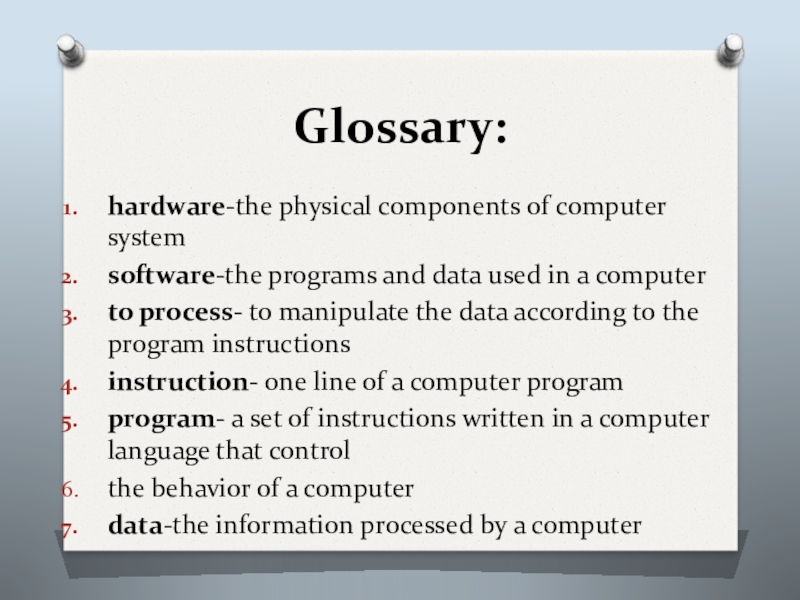
- 6. Glossary:hardware-the physical components of computer systemsoftware-the programs
- 7. WHAT IS A COMPUTER?The term computer is
- 8. A computer system is a combination of five elements:• Hardware• Software• People• Procedures• Data/information
- 9. When one computer system is set up
- 10. SoftwareSoftware is the term used to describe
- 11. The basic job of the computerThe basic
- 12. TYPES OF COMPUTERS
- 13. Слайд 13
- 14. Computer sizes and powerPersonal ComputersWorkstationsMainframesSupercomputers
- 15. Computers can be generally classified by size
- 16. General understanding:1) What does the term computer
- 17. Task 5. Which of the listed below
- 18. Task 6. Which of the listed above
- 19. Task 7. Match the followinga) programb) informationc) processing of informationd) softwaree) connectivityf) computerg) people
- 20. Task 7. 1)... doesn't come to life
- 21. A: I’m thinking of buying a computer,
- 22. Home workLearn the vocabulary and dialog by heart
Слайд 2Purpose of the lesson:
study the main types of computers and define
Слайд 5Vocabulary:
1. characters
2. data
3. decision
4. device
5. hardware
6. instruction
7. intelligence
8. manner
9. procedures
10. purpose
11. raw
12. to come to life
13. to connect
14. to convert
15. to create
Слайд 6Glossary:
hardware-the physical components of computer system
software-the programs and data used in
to process- to manipulate the data according to the program instructions
instruction- one line of a computer program
program- a set of instructions written in a computer language that control
the behavior of a computer
data-the information processed by a computer
Слайд 7WHAT IS A COMPUTER?
The term computer is used to describe a
Computer has no intelligence by itself and is referred to as hardware.
Слайд 8A computer system is a combination of five elements:
• Hardware
• Software
•
• Procedures
• Data/information
Слайд 9When one computer system is set up to communicate with another
In other words, the manner in which the various individual systems are connected — for example, by phone lines, microwave transmission, or satellite — is an element of the total computer system.
Слайд 10Software
Software is the term used to describe the instructions that tell
People, however, are the most important component of the computer system: they create the computer software instructions and respond to the procedures that those instructions present.
Слайд 11The basic job of the computer
The basic job of the computer
Computers accept information in the form of instruction called a program and characters called data to perform mathematical and logical operations, and then give the results.
The data is raw material while information is organized, processed, refined and useful for decision making. Computer is used to convert data into information. Computer is also used to store information in the digital form.
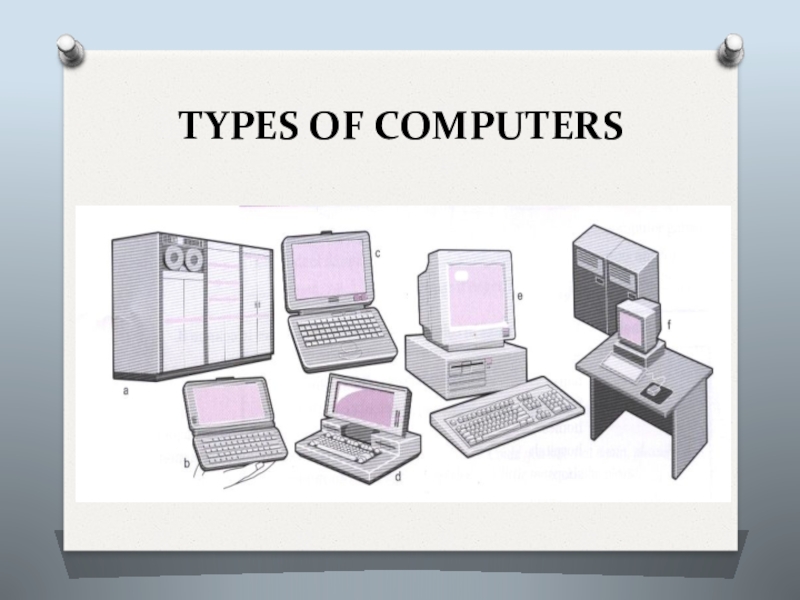
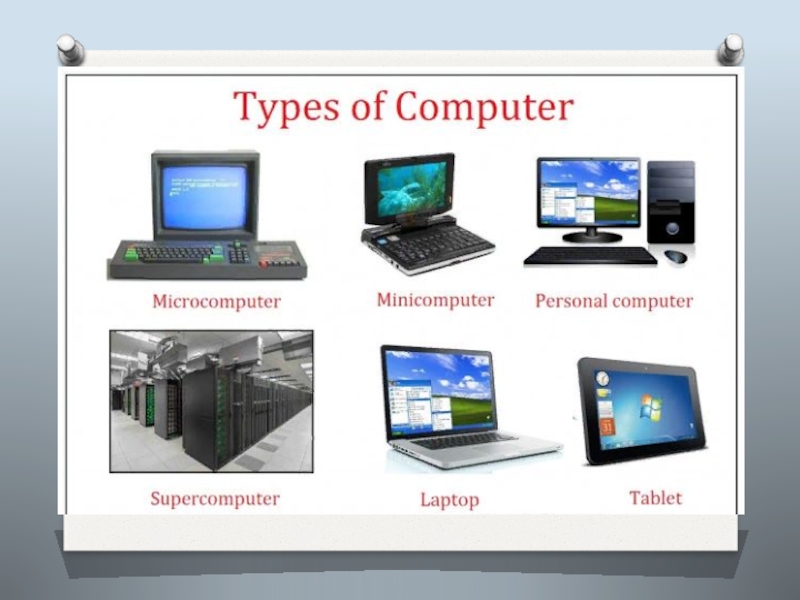
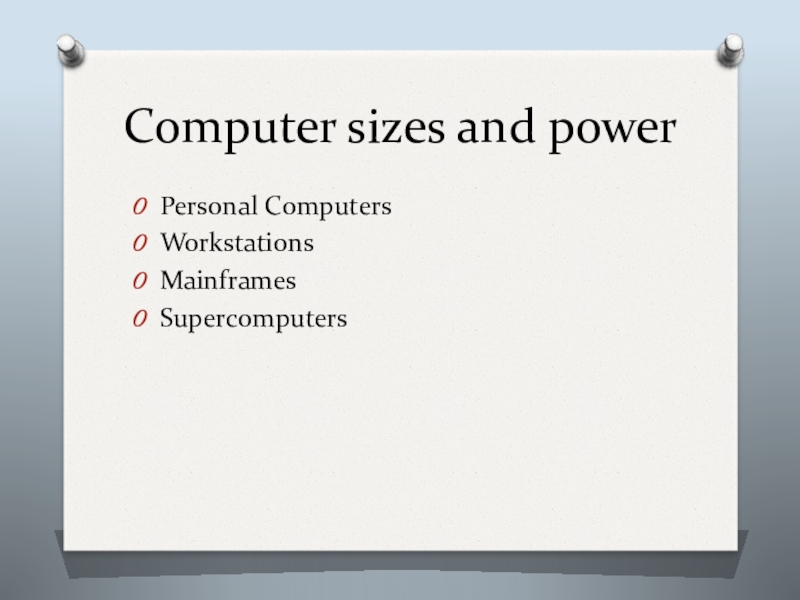
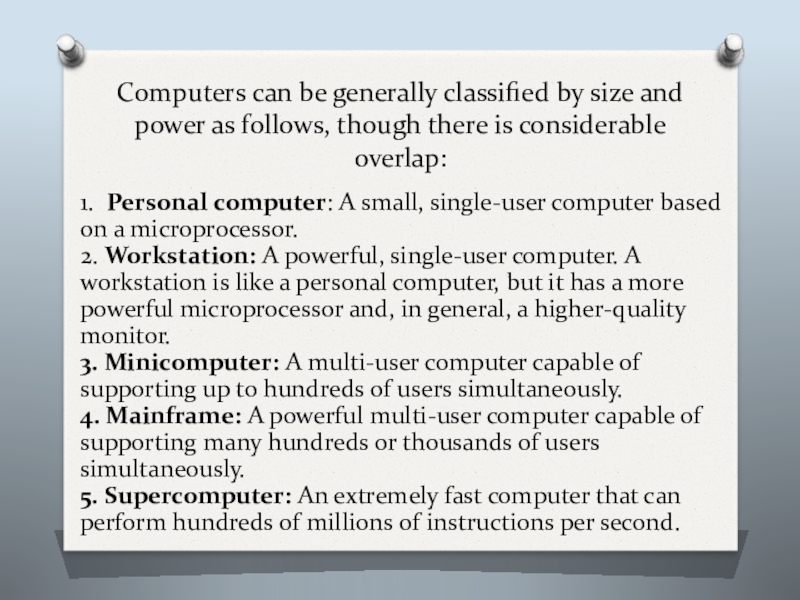
Слайд 15Computers can be generally classified by size and power as follows,
1. Personal computer: A small, single-user computer based on a microprocessor.
2. Workstation: A powerful, single-user computer. A workstation is like a personal computer, but it has a more powerful microprocessor and, in general, a higher-quality monitor.
3. Minicomputer: A multi-user computer capable of supporting up to hundreds of users simultaneously.
4. Mainframe: A powerful multi-user computer capable of supporting many hundreds or thousands of users simultaneously.
5. Supercomputer: An extremely fast computer that can perform hundreds of millions of instructions per second.
Слайд 16General understanding:
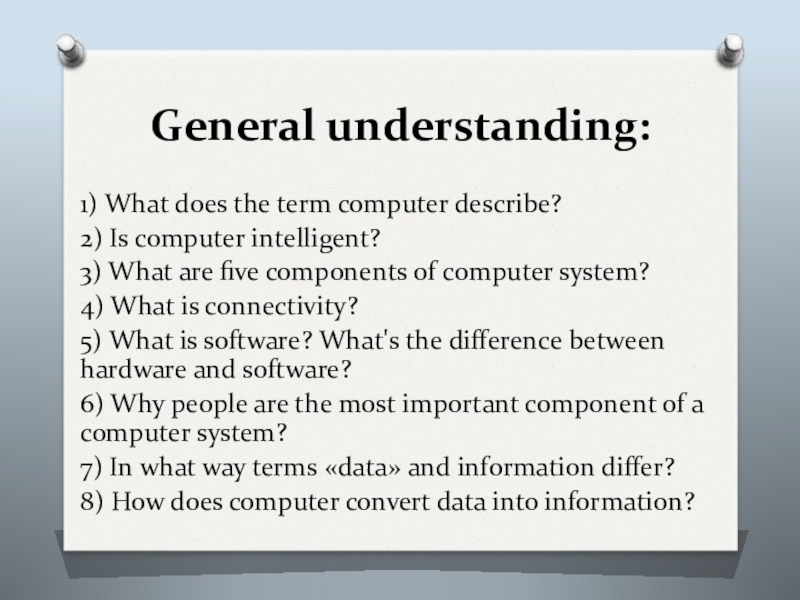
1) What does the term computer describe?
2) Is computer intelligent?
3)
4) What is connectivity?
5) What is software? What's the difference between hardware and software?
6) Why people are the most important component of a computer system?
7) In what way terms «data» and information differ?
8) How does computer convert data into information?
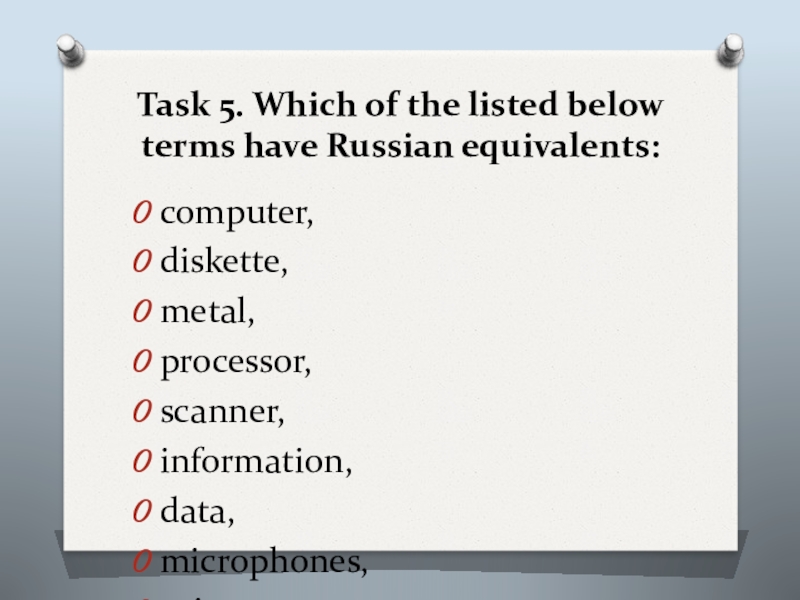
Слайд 17Task 5. Which of the listed below terms have Russian equivalents:
computer,
diskette,
metal,
processor,
scanner,
information,
data,
microphones,
printer,
modem,
Internet.
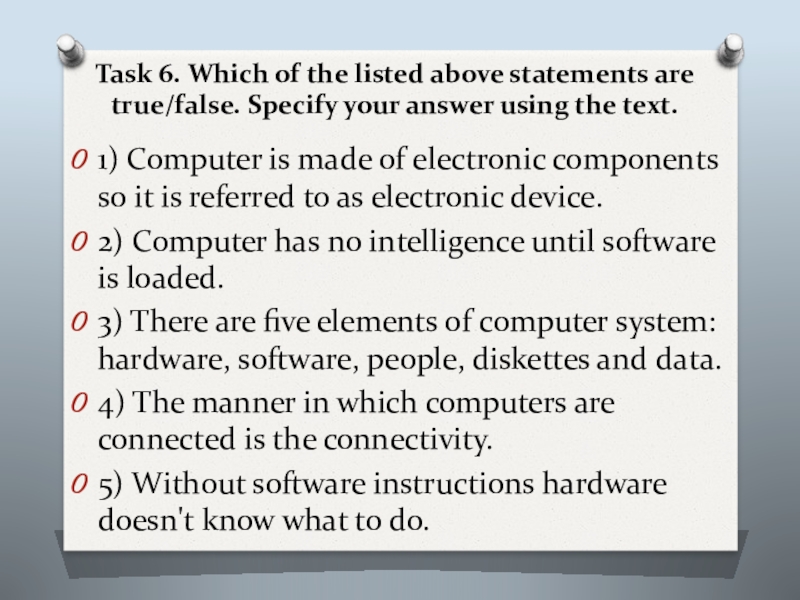
Слайд 18Task 6. Which of the listed above statements are true/false. Specify
1) Computer is made of electronic components so it is referred to as electronic device.
2) Computer has no intelligence until software is loaded.
3) There are five elements of computer system: hardware, software, people, diskettes and data.
4) The manner in which computers are connected is the connectivity.
5) Without software instructions hardware doesn't know what to do.
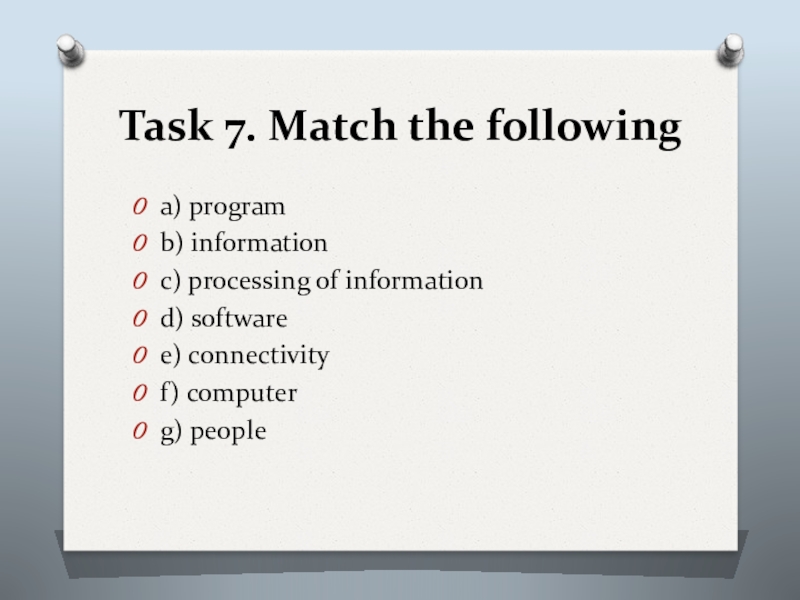
Слайд 19Task 7. Match the following
a) program
b) information
c) processing of information
d) software
e)
f) computer
g) people
Слайд 20Task 7.
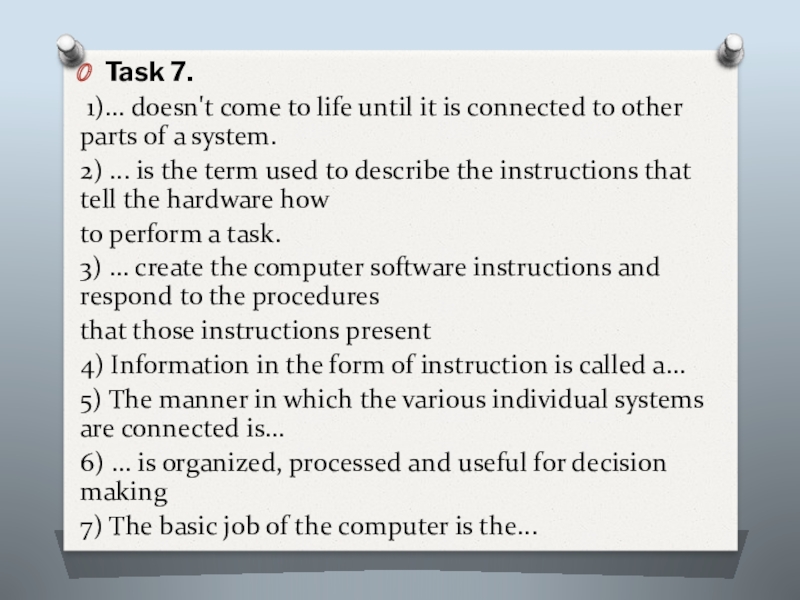
1)... doesn't come to life until it is connected
2) ... is the term used to describe the instructions that tell the hardware how
to perform a task.
3) ... create the computer software instructions and respond to the procedures
that those instructions present
4) Information in the form of instruction is called a...
5) The manner in which the various individual systems are connected is...
6) ... is organized, processed and useful for decision making
7) The basic job of the computer is the...
Слайд 21A: I’m thinking of buying a computer, and I need some
B: OK. What do you want to use it for?
A: For writing, maybe for games. I want it for the Internet.
B: For the Internet and games… I recommend you a multimedia
computer.
A: What do you mean a multimedia computer?
B: Well, it’s more powerful than a basic computer. It’s got sound and CD-ROM or DVD drive. You can use it for high-quality graphics, animation and video.
BUYING A COMPUTER