Презентация, доклад по английскому языку на тему Computer English

an iconClick a window Click onA pop-up menu contains icons and items options We select by clicking themwith a mouse.

Слайд 1
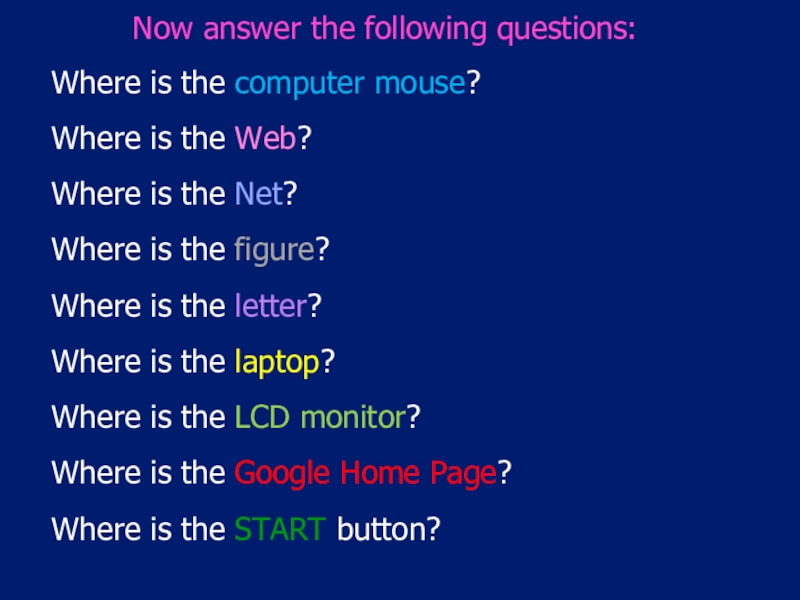
keys

the enter key

the spacebar

buttons

press

press

press

press


keys       the enter key

Слайд 2
an icon
Click

a window

Click on

A pop-up menu


contains


icons

and items

options

We select

by clicking them

with a mouse.
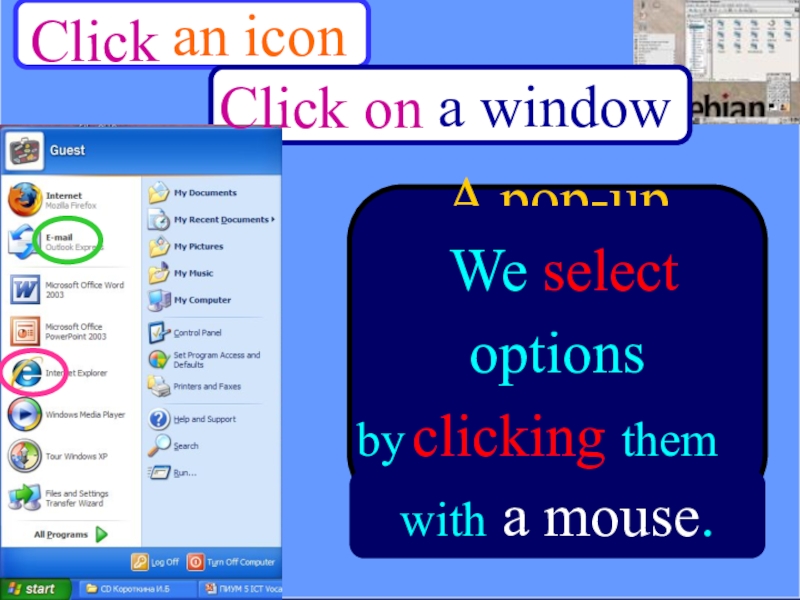
an iconClick       a window Click onA

Слайд 3
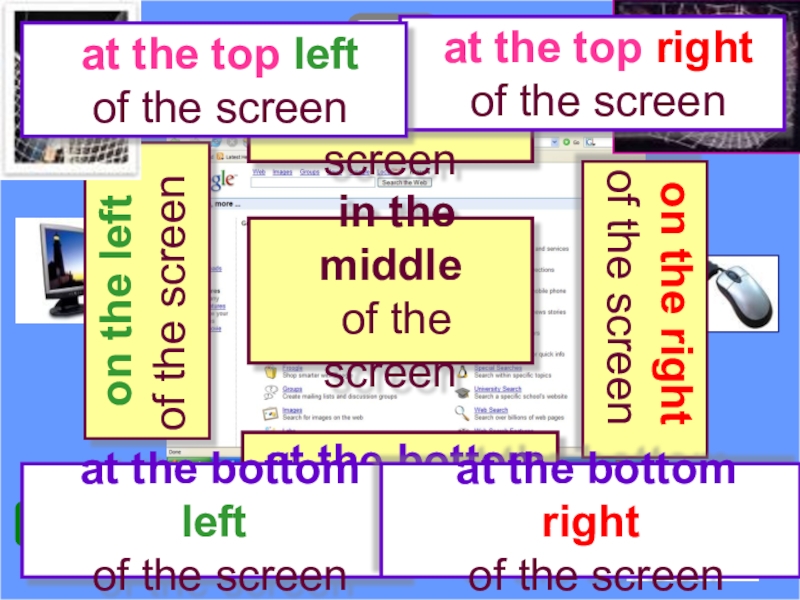
in the middle
of the screen
on the right

of the screen

on the left
of the screen

a

at the top
of the screen

5

at the bottom
of the screen

START

at the bottom left
of the screen

at the top right
of the screen

at the top left
of the screen

at the bottom right
of the screen
in the middle of the screen on the right of the screen on the leftof the

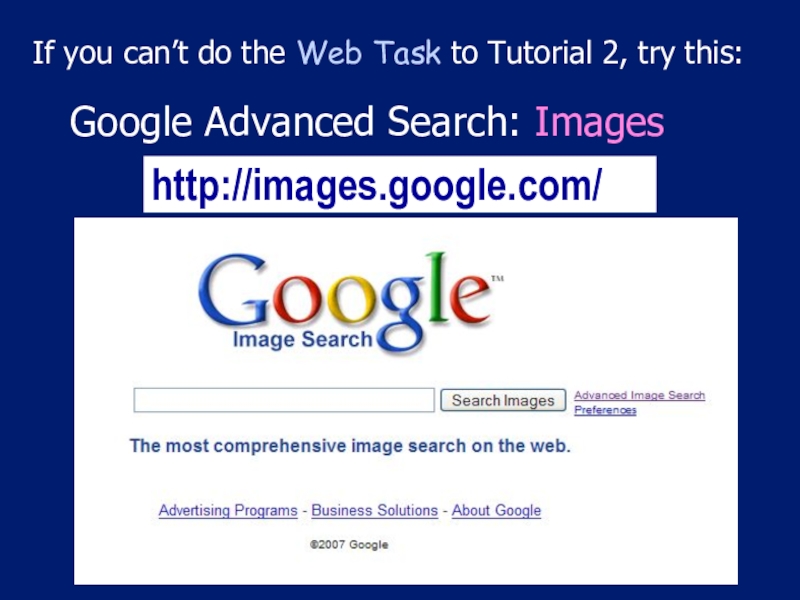
Слайд 4Where is the computer mouse?
Where is the Web?
Where is the Net?
Where

is the figure?
Where is the letter?
Where is the laptop?
Where is the LCD monitor?
Where is the Google Home Page?
Where is the START button?

Now answer the following questions:
Where is the computer mouse?Where is the Web?Where is the Net?Where is the figure?Where is the letter?Where

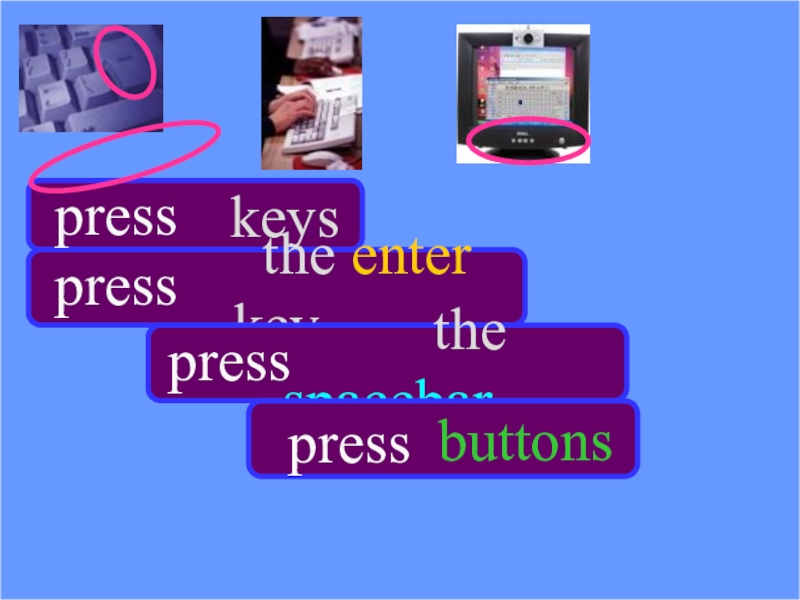
Слайд 5http://images.google.com/
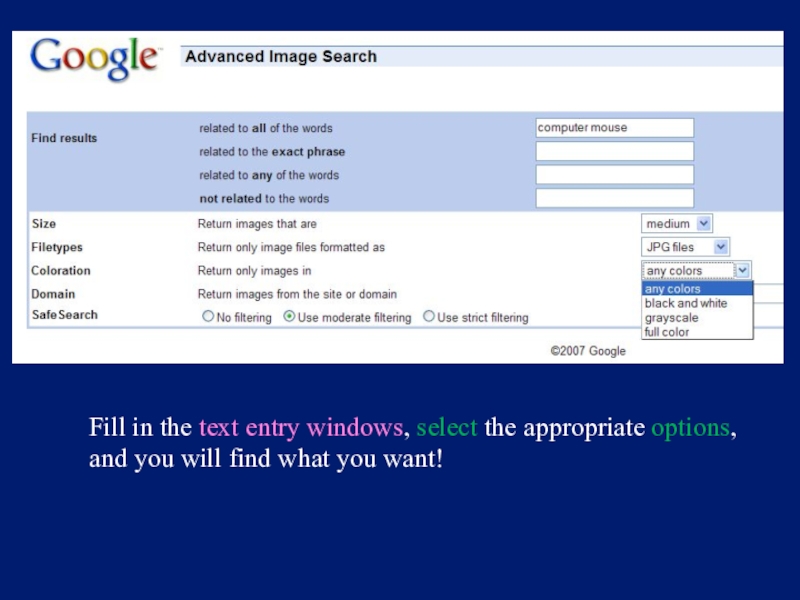
Google Advanced Search: Images
If you can’t do the Web Task

to Tutorial 2, try this:
http://images.google.com/Google Advanced Search: Images If you can’t do the Web Task to Tutorial 2, try this:

Слайд 6Fill in the text entry windows, select the appropriate options,
and

you will find what you want!
Fill in the text entry windows, select the appropriate options, and you will find what you want!

Что такое shareslide.ru?

Это сайт презентаций, где можно хранить и обмениваться своими презентациями, докладами, проектами, шаблонами в формате PowerPoint с другими пользователями. Мы помогаем школьникам, студентам, учителям, преподавателям хранить и обмениваться учебными материалами.


Для правообладателей

Яндекс.Метрика

Обратная связь

Email: Нажмите что бы посмотреть