- Главная
- Разное
- Образование
- Спорт
- Естествознание
- Природоведение
- Религиоведение
- Французский язык
- Черчение
- Английский язык
- Астрономия
- Алгебра
- Биология
- География
- Геометрия
- Детские презентации
- Информатика
- История
- Литература
- Математика
- Музыка
- МХК
- Немецкий язык
- ОБЖ
- Обществознание
- Окружающий мир
- Педагогика
- Русский язык
- Технология
- Физика
- Философия
- Химия
- Шаблоны, фоны, картинки для презентаций
- Экология
- Экономика
Презентация, доклад по английскому языку на тему Communication and Technology
Содержание
- 1. Презентация по английскому языку на тему Communication and Technology
- 2. What are we going to do? Brainstorming (activate vocabulary)INDIVIDUAL WORK
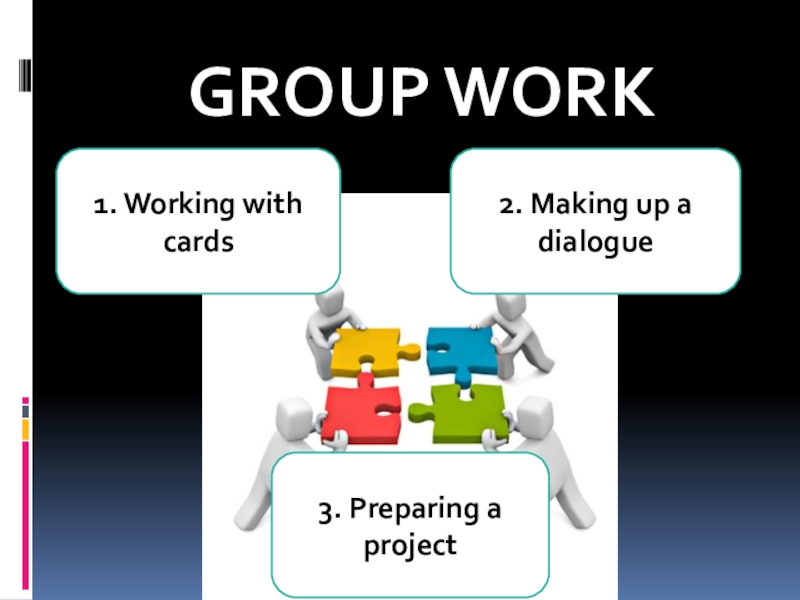
- 3. GROUP WORK1. Working with cards3. Preparing a project2. Making up a dialogue
- 4. GROUP 1TASK:Divide the words into two groups
- 5. Assessment
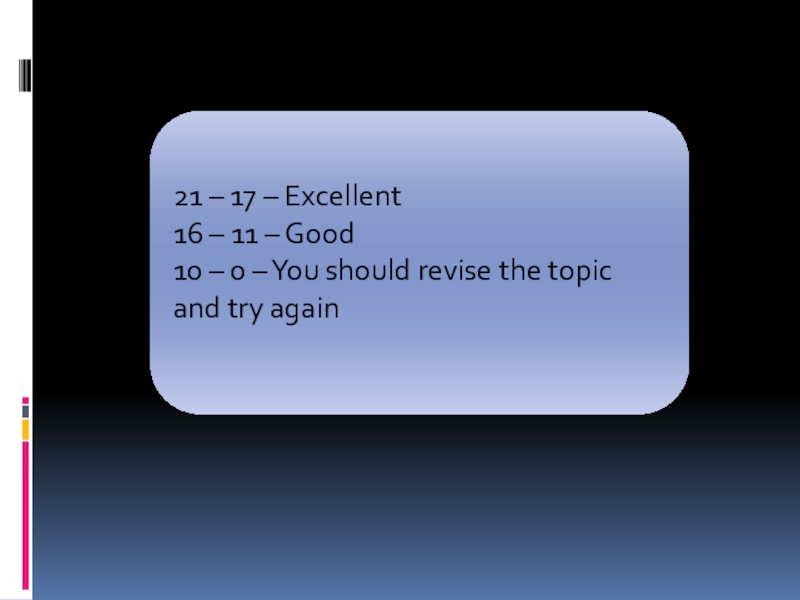
- 6. 21 – 17 – Excellent16 – 11
- 7. GROUP 2TASK: Make up a dialogue between
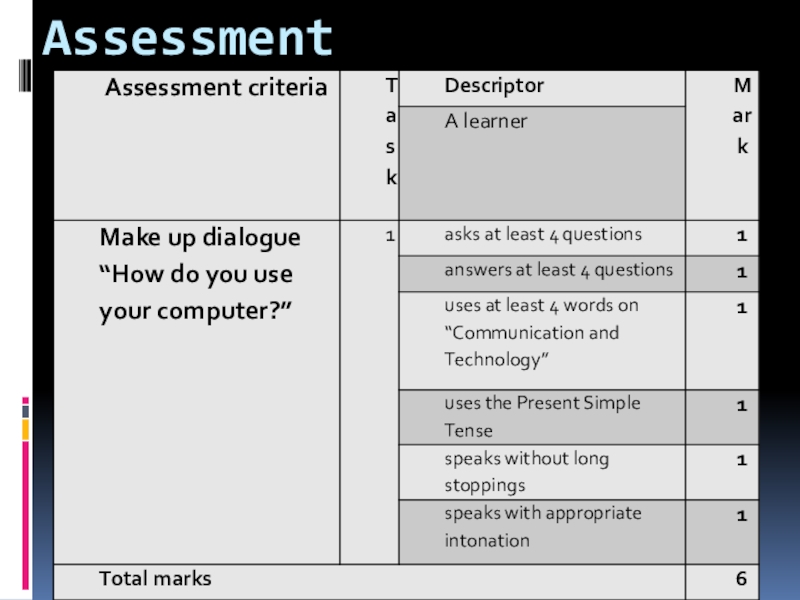
- 8. Assessment
- 9. 6 – 5 – Excellent4 – 3
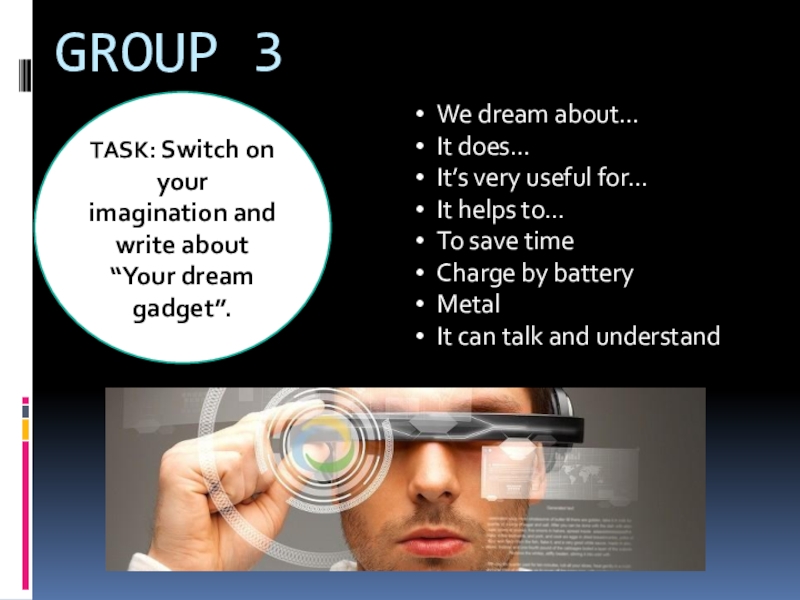
- 10. GROUP 3TASK: Switch on your imagination and write about “Your dream gadget”.
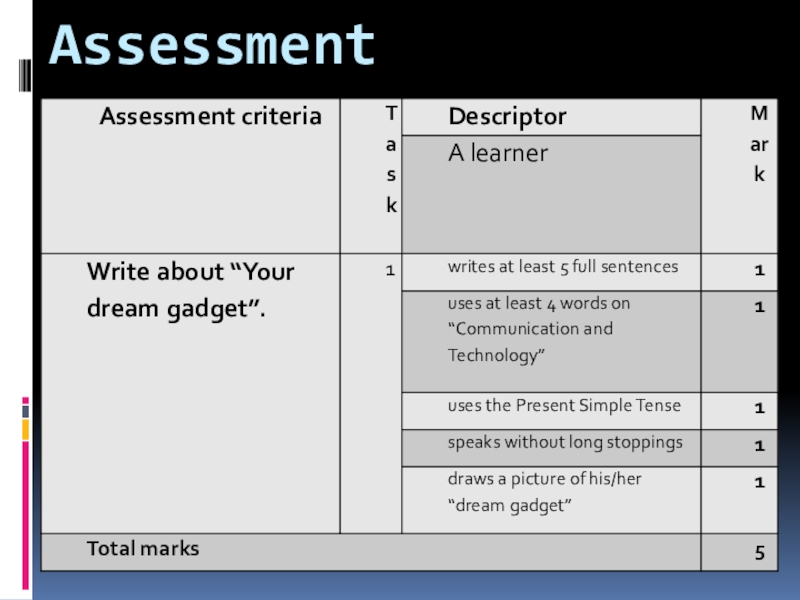
- 11. Assessment
- 12. 5 – 4 – Excellent3 – 2
- 13. Time 5 minuteshttp://www.onlinetimer.ru/#!/timer/2017-10-17T23:47:11/2017-10-17T23:42:11/stop/300/2/100/t/run/http://poiskm.co/show/музыка-для-домашнего-задания
- 14. Tasks checking and assessment 11. We use
- 15. Assessment 2
- 16. Assessment 3
- 17. Слайд 17
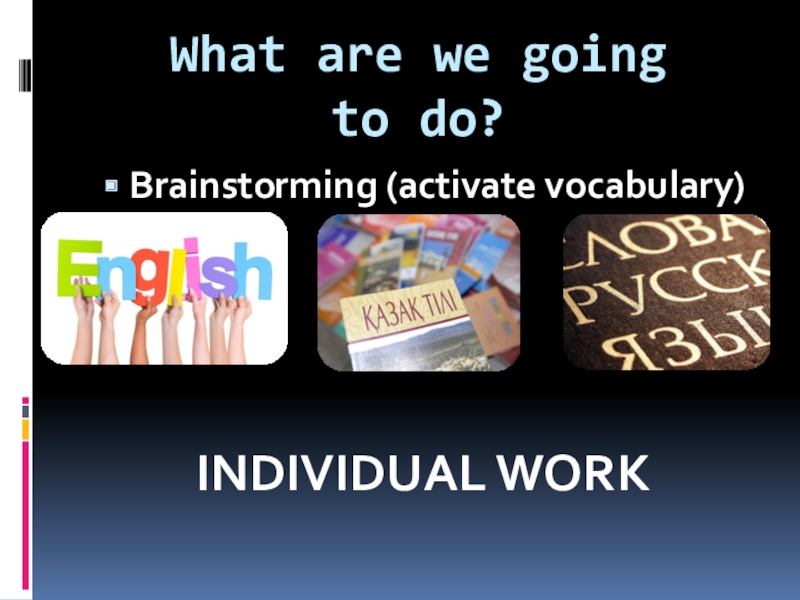
What are we going to do? Brainstorming (activate vocabulary)INDIVIDUAL WORK
Слайд 1Do you remember the topic?
https://www.youtube.com/watch?v=QnUg5uDfdzo
Communication and
Technology
Слайд 4GROUP 1
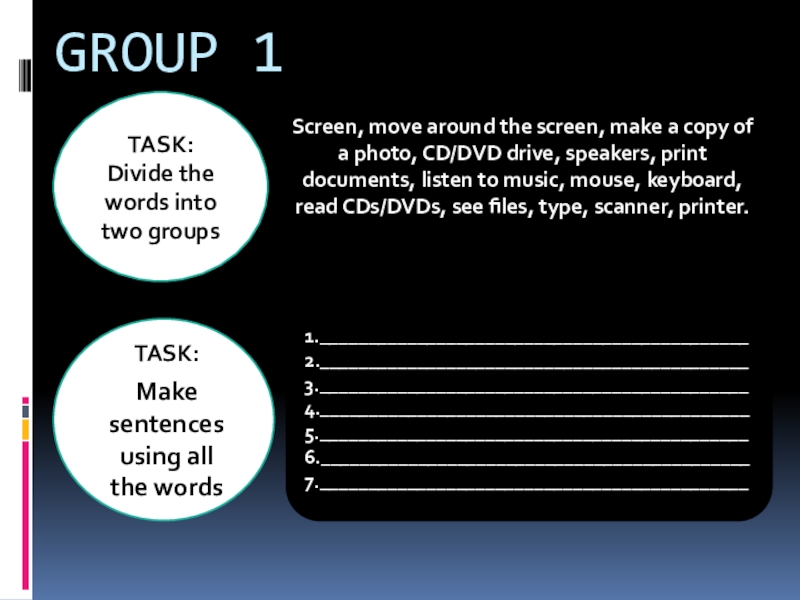
TASK:
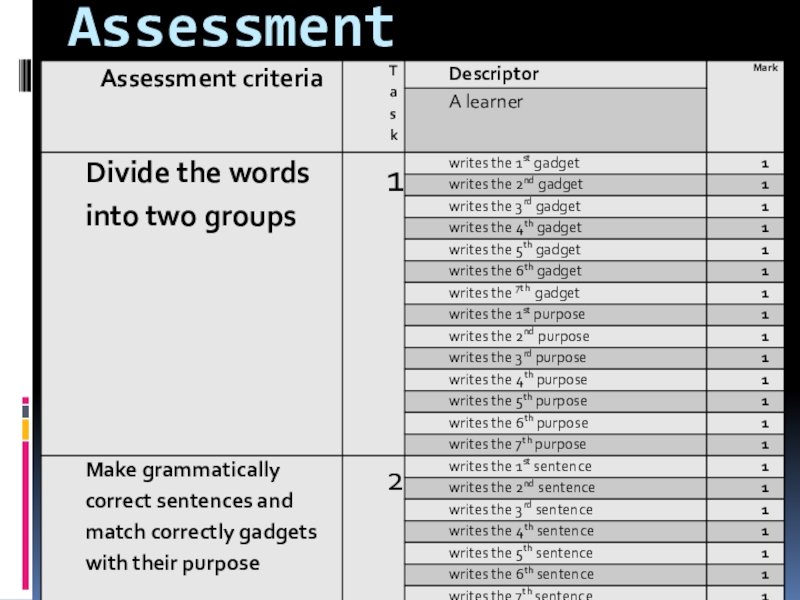
Divide the words into two groups
Screen, move around the
screen, make a copy of a photo, CD/DVD drive, speakers, print documents, listen to music, mouse, keyboard, read CDs/DVDs, see files, type, scanner, printer.
TASK:
Make sentences using all the words
1.____________________________________________
2.____________________________________________
3.____________________________________________
4.____________________________________________
5.____________________________________________
6.____________________________________________
7.____________________________________________
Слайд 7GROUP 2
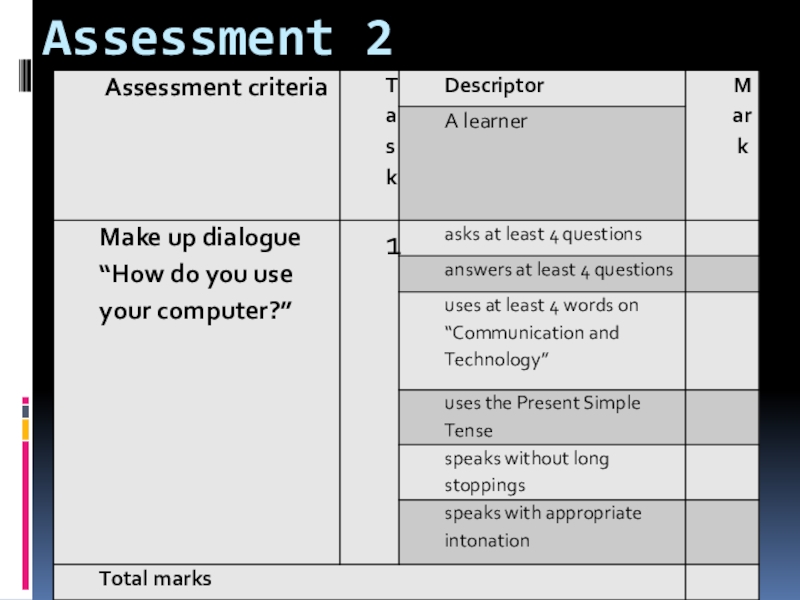
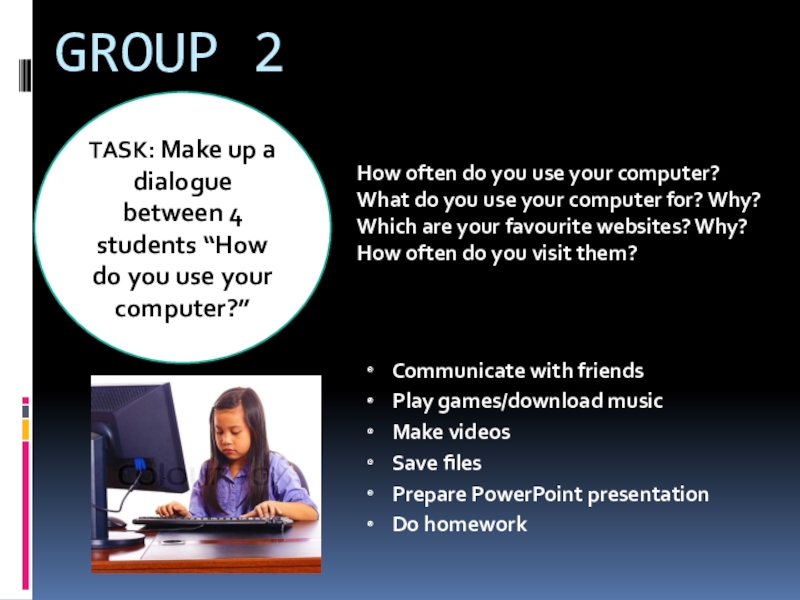
TASK: Make up a dialogue between 4 students “How do
you use your computer?”
How often do you use your computer?
What do you use your computer for? Why?
Which are your favourite websites? Why?
How often do you visit them?
Слайд 13Time 5 minutes
http://www.onlinetimer.ru/#!/timer/2017-10-17T23:47:11/2017-10-17T23:42:11/stop/300/2/100/t/run/
http://poiskm.co/show/музыка-для-домашнего-задания
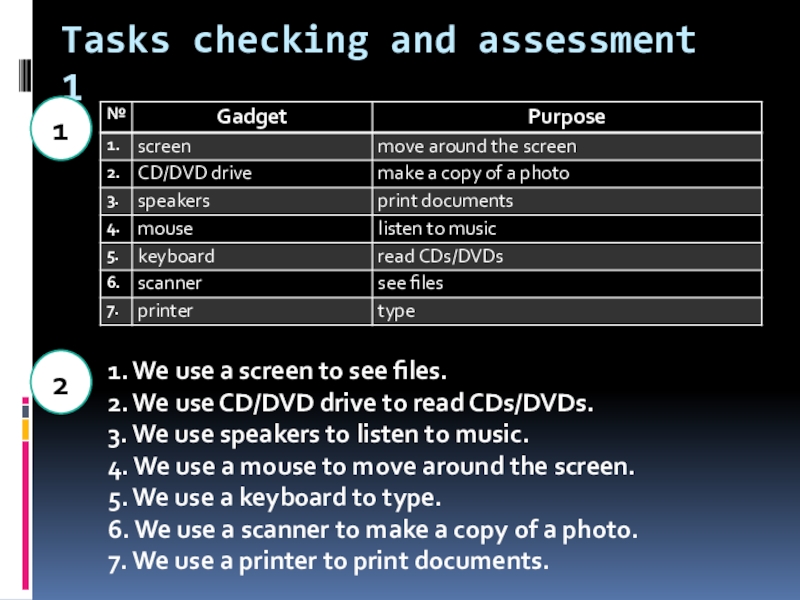
Слайд 14Tasks checking and assessment 1
1. We use a screen to see
files.
2. We use CD/DVD drive to read CDs/DVDs.
3. We use speakers to listen to music.
4. We use a mouse to move around the screen.
5. We use a keyboard to type.
6. We use a scanner to make a copy of a photo.
7. We use a printer to print documents.
2. We use CD/DVD drive to read CDs/DVDs.
3. We use speakers to listen to music.
4. We use a mouse to move around the screen.
5. We use a keyboard to type.
6. We use a scanner to make a copy of a photo.
7. We use a printer to print documents.
1
2