- Главная
- Разное
- Образование
- Спорт
- Естествознание
- Природоведение
- Религиоведение
- Французский язык
- Черчение
- Английский язык
- Астрономия
- Алгебра
- Биология
- География
- Геометрия
- Детские презентации
- Информатика
- История
- Литература
- Математика
- Музыка
- МХК
- Немецкий язык
- ОБЖ
- Обществознание
- Окружающий мир
- Педагогика
- Русский язык
- Технология
- Физика
- Философия
- Химия
- Шаблоны, фоны, картинки для презентаций
- Экология
- Экономика
Презентация, доклад на тему Компьютер
Содержание
- 1. Компьютер
- 2. “ Old McDonald has a farm, E-I-E-I-OAnd
- 3. A computer
- 4. Travelling into the The world of Computer
- 5. Terms Station
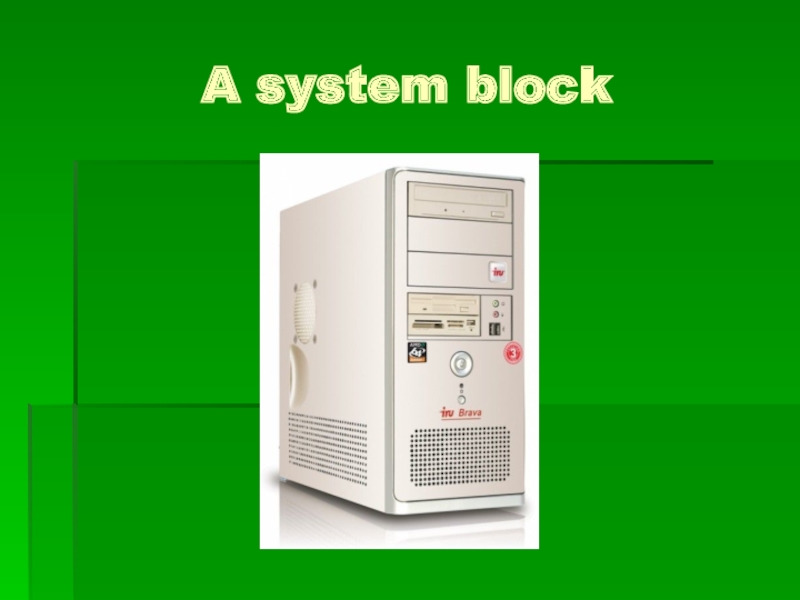
- 6. A system block
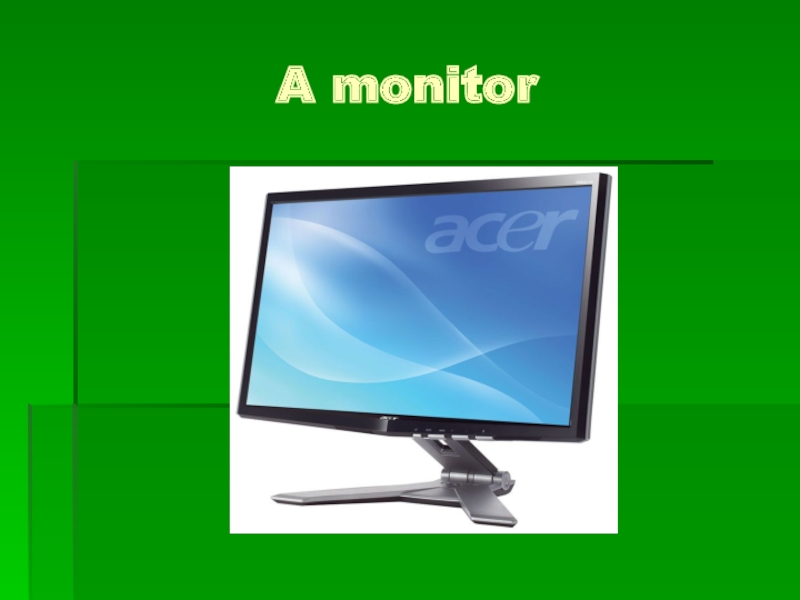
- 7. A monitor
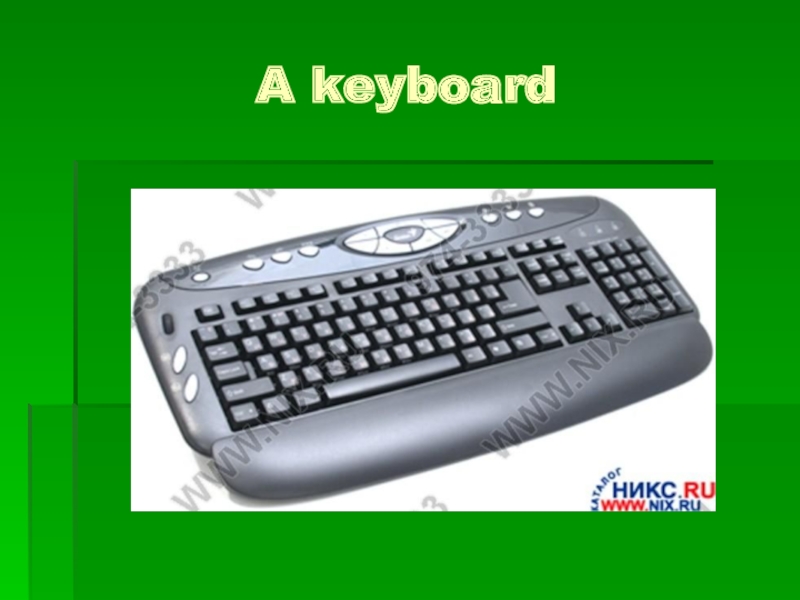
- 8. A keyboard
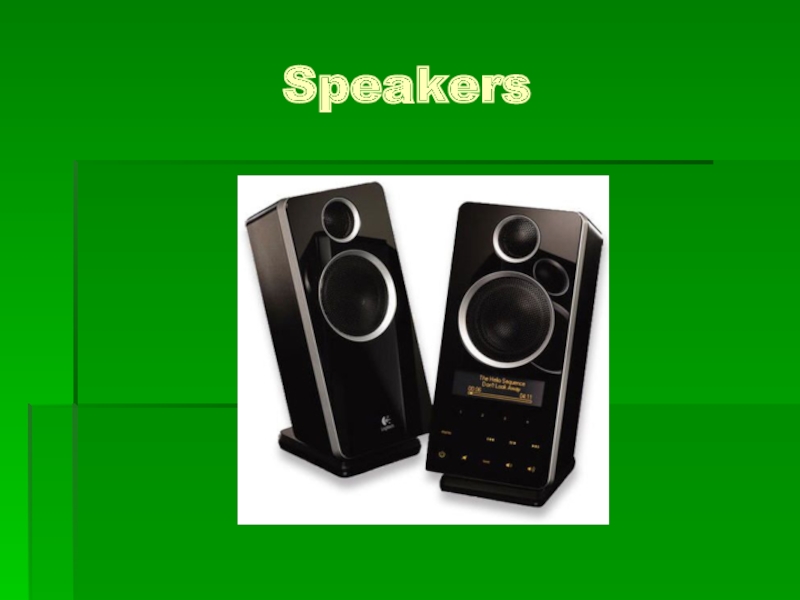
- 9. Speakers
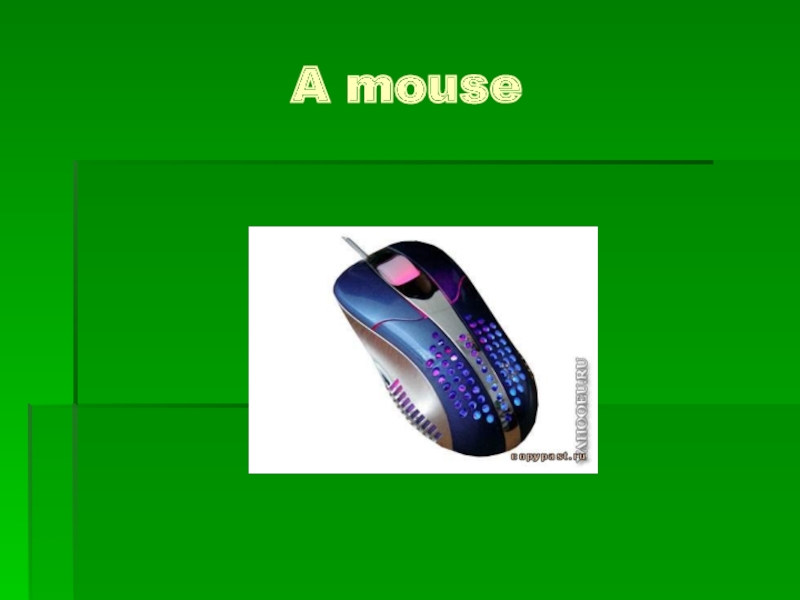
- 10. A mouse
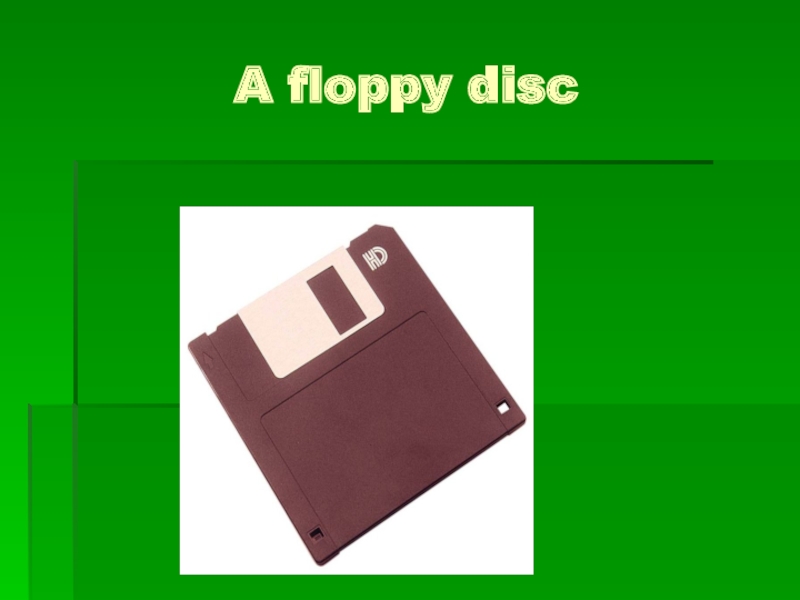
- 11. A floppy disc
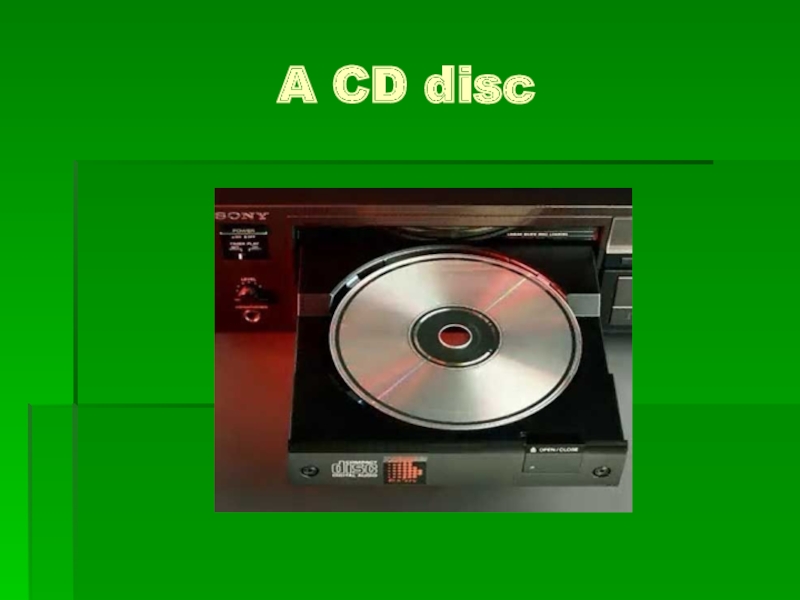
- 12. A CD disc
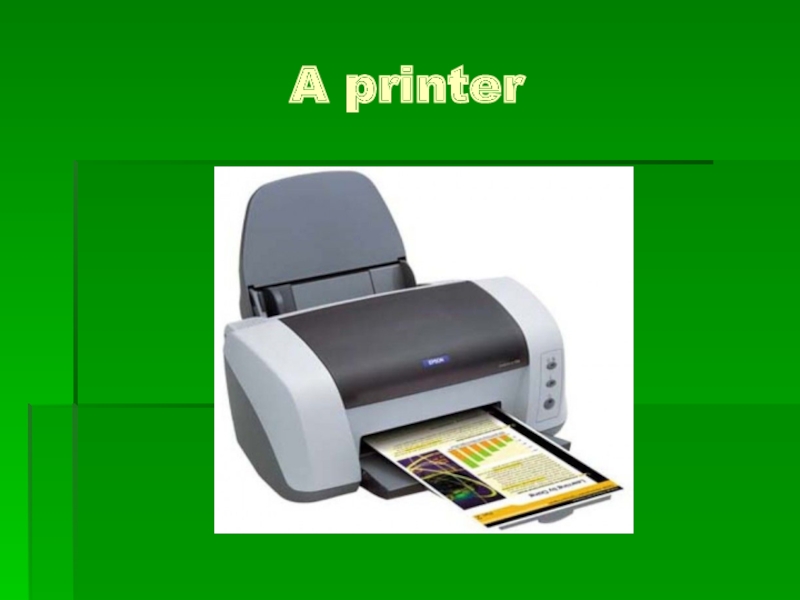
- 13. A printer
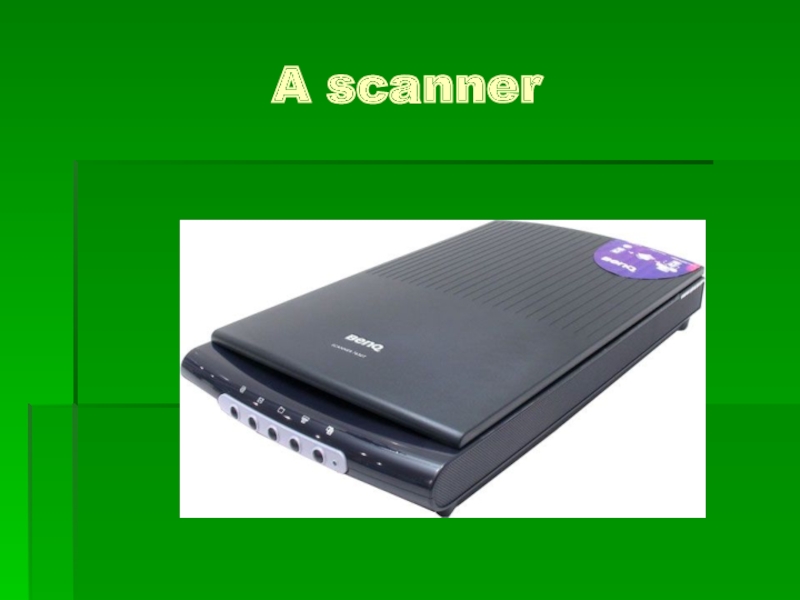
- 14. A scanner
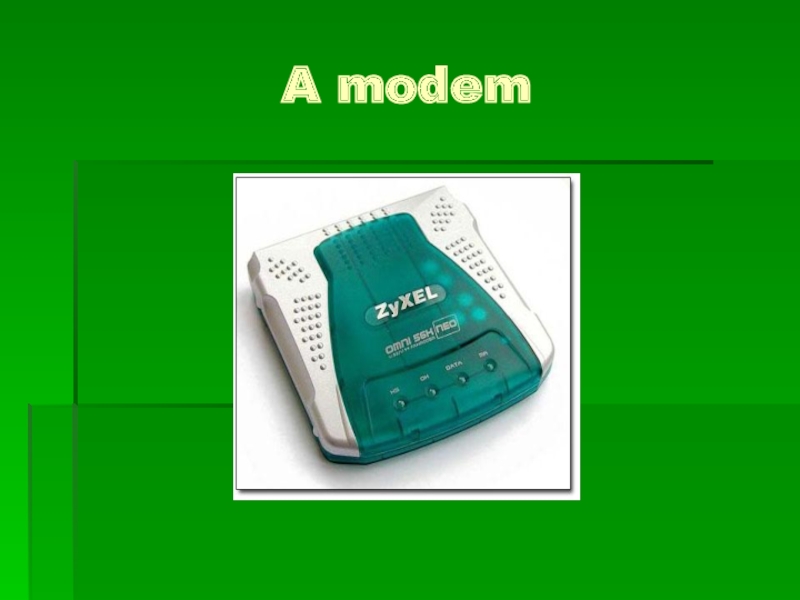
- 15. A modem
- 16. Vocabularly Town
- 17. To switch on a computer To switch
- 18. To switch on a computer To switch
- 19. To draw objects To print the textsTo
- 20. To draw objects To print the textsTo
- 21. Team Competition
- 22. To install To openTo closeTo saveTo deleteTo
- 23. Translators'Park
- 24. Read and translate the following sentencesСomputer are
- 25. The user switches on the computer and
- 26. I am loading a new operation system
- 27. He deletes old files and places them
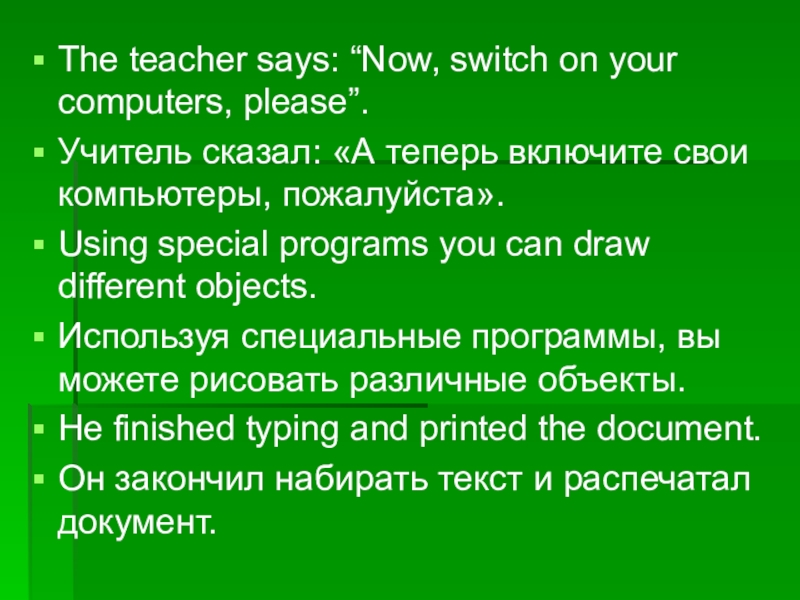
- 28. The teacher says: “Now, switch on your
- 29. Game City
- 30. O D S C
- 31. Слайд 31
- 32. Speakers' Park
- 33. What do you do if you want… I …
- 34. Слайд 34
- 35. Слайд 35
- 36. O
- 37. D
- 38. Слайд 38
- 39. Слайд 39
- 40. F
- 41. Слайд 41
- 42. Слайд 42
- 43. Слайд 43
- 44. Слайд 44
- 45. Слайд 45

Слайд 2“ Old McDonald has a farm, E-I-E-I-O
And on his farm he
E-I-E-I-O.
With a comp, comp here
and a comp, comp there,
Here a comp, there a comp,
Everywhere a comp, comp.”



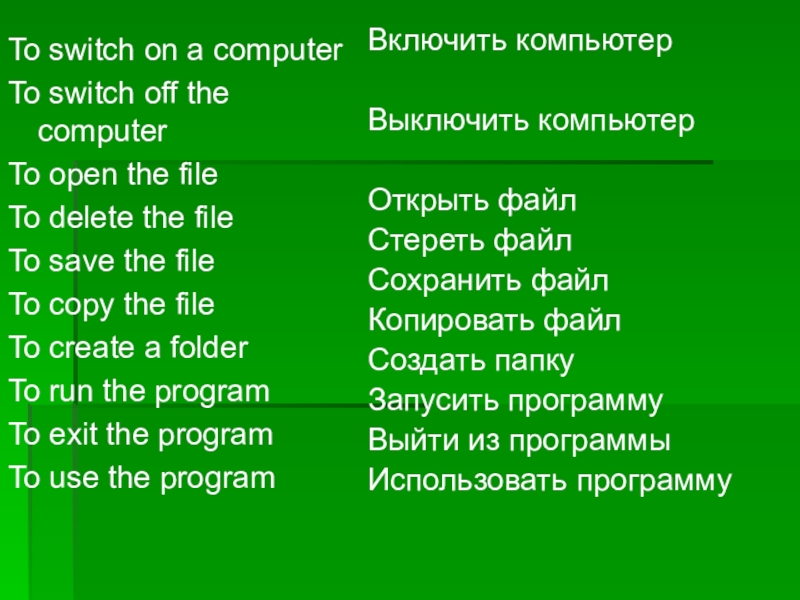
Слайд 17To switch on a computer
To switch off the computer
To
To delete the file
To save the file
To copy the file
To create a folder
To run the program
To exit the program
To use the program
Включить компьютер
Выключить компьютер
Открыть файл
Стереть файл
Сохранить файл
Копировать файл
Создать папку
Запусить программу
Выйти из программы
Использовать программу
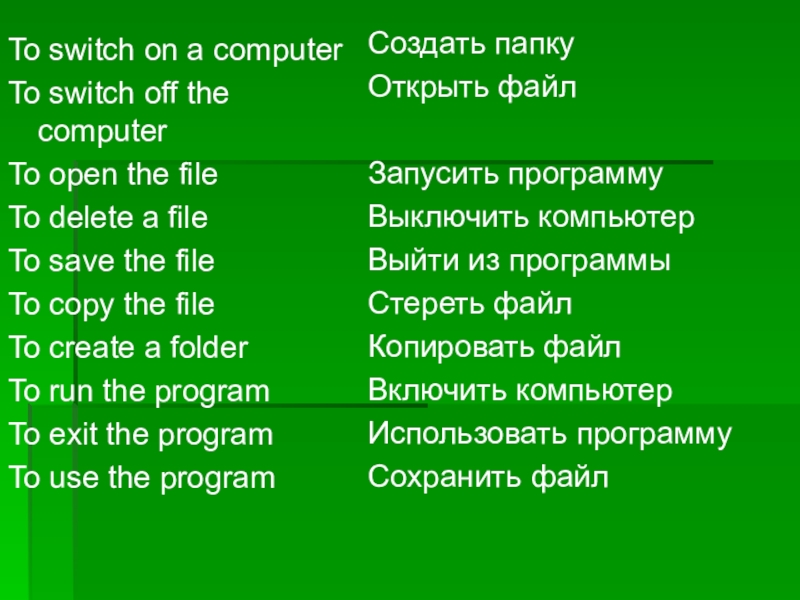
Слайд 18To switch on a computer
To switch off the computer
To
To delete a file
To save the file
To copy the file
To create a folder
To run the program
To exit the program
To use the program
Создать папку
Открыть файл
Запусить программу
Выключить компьютер
Выйти из программы
Стереть файл
Копировать файл
Включить компьютер
Использовать программу
Сохранить файл
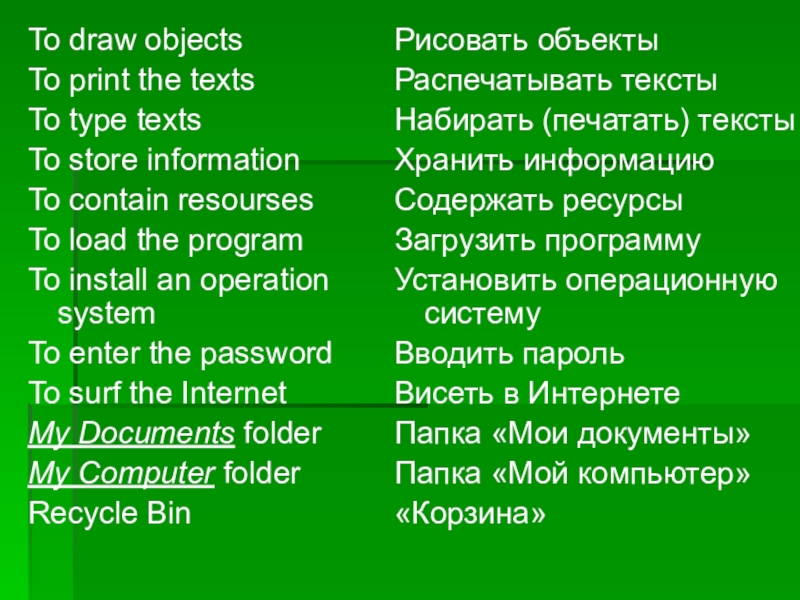
Слайд 19To draw objects
To print the texts
To type texts
To store
To contain resourses
To load the program
To install an operation system
To enter the password
To surf the Internet
My Documents folder
My Computer folder
Recycle Bin
Рисовать объекты
Распечатывать тексты
Набирать (печатать) тексты
Хранить информацию
Содержать ресурсы
Загрузить программу
Установить операционную систему
Вводить пароль
Висеть в Интернете
Папка «Мои документы»
Папка «Мой компьютер»
«Корзина»
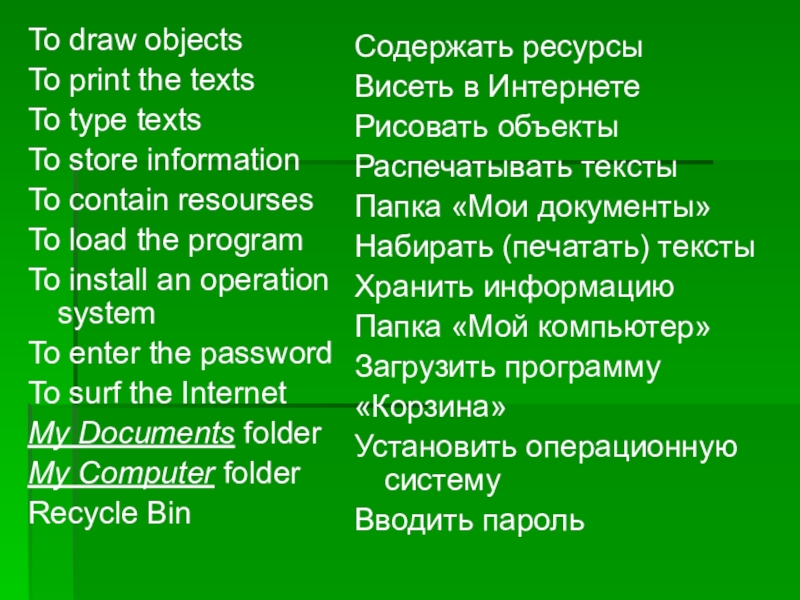
Слайд 20To draw objects
To print the texts
To type texts
To store
To contain resourses
To load the program
To install an operation system
To enter the password
To surf the Internet
My Documents folder
My Computer folder
Recycle Bin
Содержать ресурсы
Висеть в Интернете
Рисовать объекты
Распечатывать тексты
Папка «Мои документы»
Набирать (печатать) тексты
Хранить информацию
Папка «Мой компьютер»
Загрузить программу
«Корзина»
Установить операционную систему
Вводить пароль

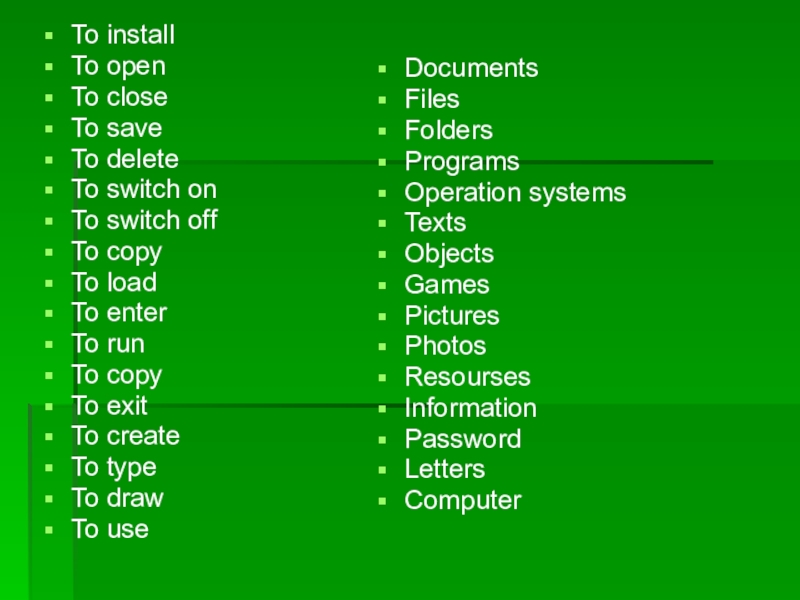
Слайд 22To install
To open
To close
To save
To delete
To switch on
To switch off
To
To load
To enter
To run
To copy
To exit
To create
To type
To draw
To use
Documents
Files
Folders
Programs
Operation systems
Texts
Objects
Games
Pictures
Photos
Resourses
Information
Password
Letters
Computer

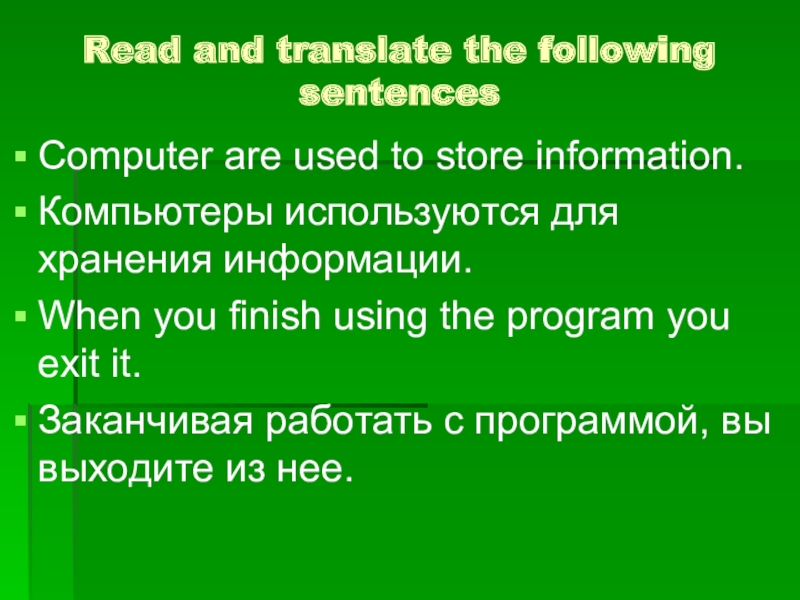
Слайд 24Read and translate the following sentences
Сomputer are used to store information.
Компьютеры
When you finish using the program you exit it.
Заканчивая работать с программой, вы выходите из нее.
Слайд 25The user switches on the computer and starts working.
Пользователь включает компьютер
You can spend a lot of your time surfing the Internet.
Вы можете провести много времени в Интернете.
Mike wanted to see the information and he opend the file.
Майкл хотел увидеть информацию и открыл файл.
Слайд 26I am loading a new operation system on my computer.
Я устанавливаю
My Computer folder contains resourses of your Personal Computer (PC).
Папка Мои Документы содержит ресурсы твоего персонального компьютера.
Windows creates a My Documents folder for each user of the computer.
Операционная система Windows создает папку Мои документы для каждого пользователя компьютера.
Слайд 27He deletes old files and places them in the Recycle Bin.
Он
They type documents and usually save them on Disc D.
Они печатают документы и сохраняют их на диске D.
He installs new programs on every computer.
Он устанавливает новые программы на каждый компьютер.
Слайд 28The teacher says: “Now, switch on your computers, please”.
Учитель сказал: «А
Using special programs you can draw different objects.
Используя специальные программы, вы можете рисовать различные объекты.
He finished typing and printed the document.
Он закончил набирать текст и распечатал документ.